AI Agents

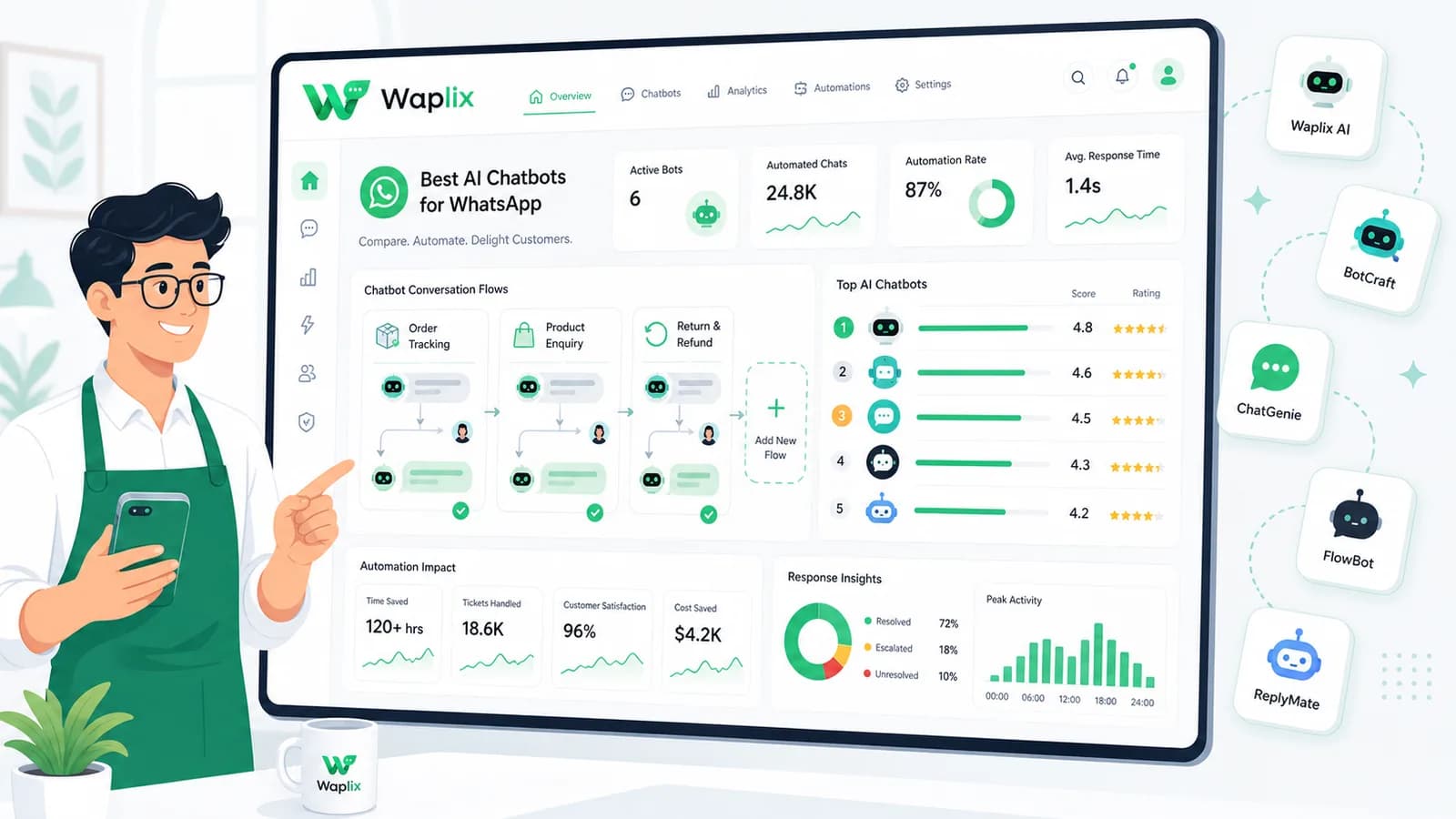
Best AI Chatbots for WhatsApp

We compare the leading AI chatbot platforms for WhatsApp in 2026, evaluating natural language capability, inbox orchestration, CRM integrations, and total cost of ownership.

May 19, 2026 11 min read By Waplix Team
Share:
Best AI Chatbots for WhatsApp

Explore Waplix Chatbots

WhatsApp has become the primary communication channel for billions of users worldwide. As a result, businesses are deploying AI chatbots on the channel to handle query traffic. But not all WhatsApp bot platforms are created equal.

Some tools focus heavily on automated marketing and broadcast sequences, while others excel in customer service, ticket triaging, and backend databases. In this guide, we break down the top options for 2026 to help you select the platform that fits your objectives.

Important: When choosing a chatbot, verify if the provider is an official Meta Business Solution Provider (BSP) to avoid account suspension risks.

See why Waplix is the preferred WhatsApp partner for scaling customer support with state-of-the-art AI agents.

Waplix Features Check Pricing
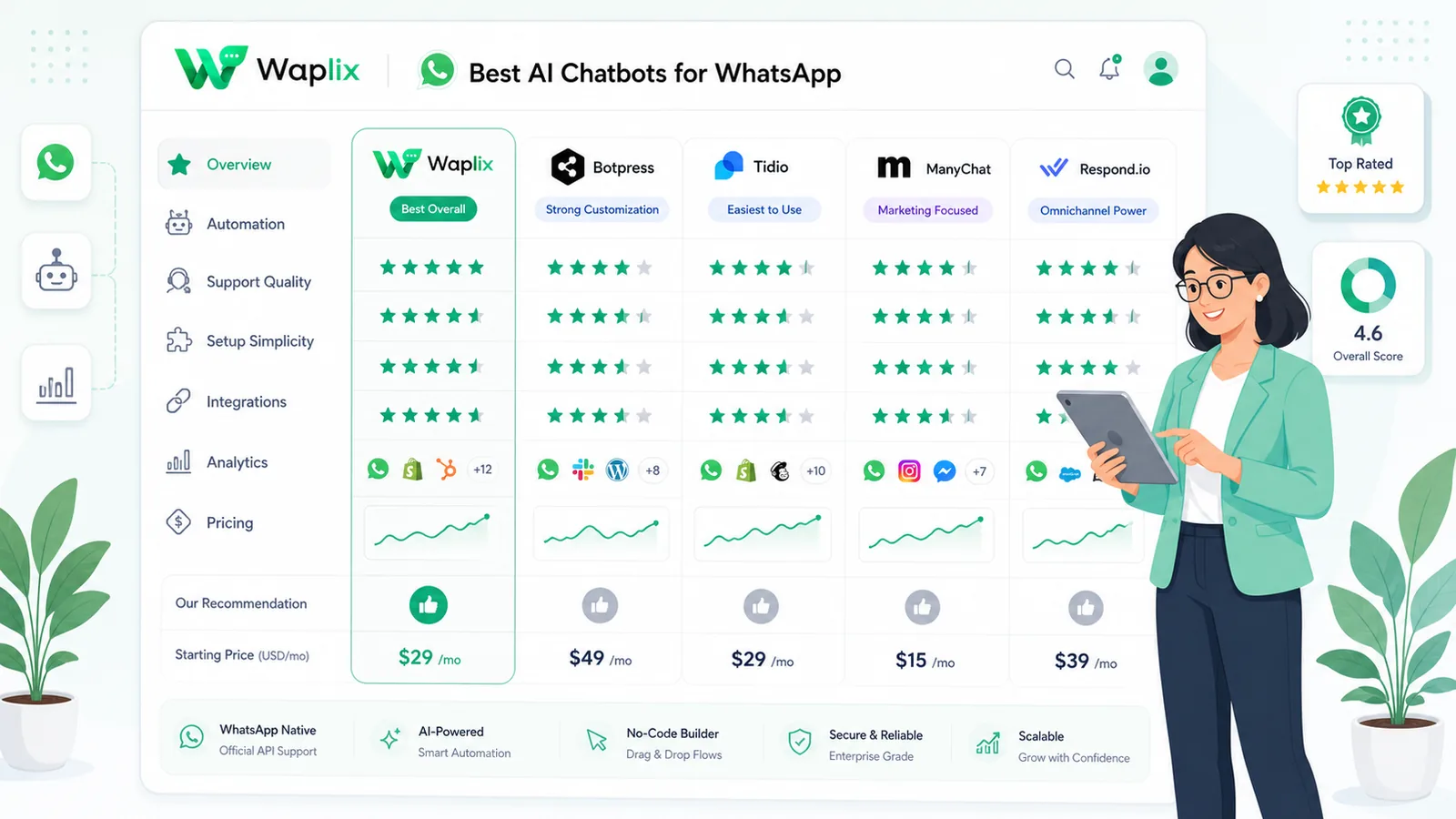
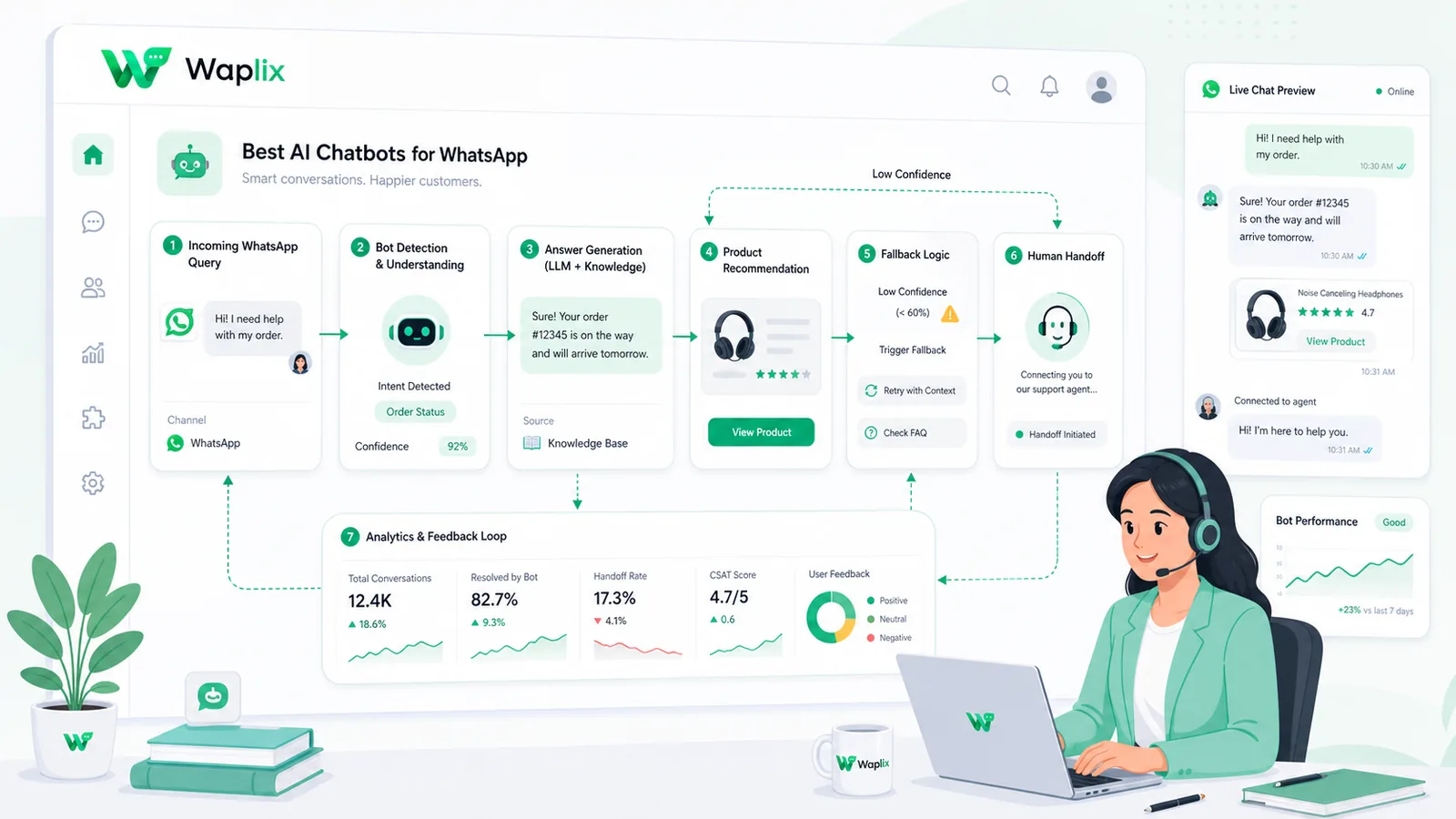
Comparison: Top WhatsApp AI Chatbots

Below is a summary comparing Waplix with other popular alternatives in the WhatsApp business ecosystem.

Platform Core Focus AI Model Capabilities Inbox Handover Ease of Setup
Waplix Conversational Support & CRM Advanced LLM (Custom Knowledge) Instant, Agent Assigned No-Code (under 10 mins)
ManyChat Marketing broadcast & loops Basic intent matching Manual assignment only Visual drag-and-drop
WATI Standard ticketing Keyword based automation Ticket escalation queue Medium learning curve
Twilio (API) Developer custom build None (BYO model logic) Developer built Requires full coding

Step-by-Step: Selecting Your Chatbot

Follow this checklist to test and deploy a WhatsApp chatbot that aligns with your operations.

01

Define Core Goal

Determine if your priority is lead qualification, booking, or post-purchase support.

02

Check Meta BSP Status

Verify that your candidate platform runs on official Cloud API endpoints.

03

Analyze Inbox Tools

Confirm the platform has a shared inbox so human teams can take over chats easily.

04

Estimate Meta Costs

Calculate your daily messaging volume and Meta conversation fees.

05

Build and Test

Create a sandbox numbers pipeline to run conversation simulations before launch.

Developer Integration: Fetching Provider API Status

Developers who manage multiple numbers can call the Waplix accounts endpoint to check connection health and verify if the AI webhook receiver is active.

GET /api/v1/accounts/status
Authorization: Bearer YOUR_API_KEY
Accept: application/json

Response:
{
  "status": "success",
  "data": {
    "account_id": "act_884920",
    "whatsapp_status": "connected",
    "phone_number": "+15550198829",
    "ai_agent_enabled": true,
    "active_session_count": 142,
    "webhook_url": "https://api.yourdomain.com/v1/whatsapp-receiver"
  }
}

Compliance and Meta Messaging Policies

Meta enforces strict rules on WhatsApp templates, promotional language, and opt-out requests. If a chatbot sends spam or ignores a customer's request to stop, Meta can flag the WhatsApp Business Account (WABA) and lower its quality rating.

Compliance Note: Always provide a clear opt-out path (e.g., replying with the keyword "STOP") and ensure the bot immediately pauses automation upon receipt.

Deploying Chatbots with Waplix

With Waplix, you get the combined power of an official WhatsApp BSP, a shared inbox, and a native AI agent. There is no need to bridge multiple software tools with Zapier or make custom webhooks.

Waplix Chatbot Builder Settings

Interactive dashboard setting up fallback answers, system messages, and tags.

Manage prompts, response times, and model settings from the Waplix panel.
Shared Inbox View

Clean interface displaying client history, phone lists, and tags.

Human support reps can quickly review bot actions and resume the conversation.
Message Metrics Dashboard

Analytics highlighting outbound broadcasts, template delivery, and conversion rates.

Track your marketing and support KPI metrics from one dashboard.

Summary

Choosing the best WhatsApp AI chatbot comes down to defining your business priorities. If your goal is to handle support requests efficiently while keeping your CRM data up-to-date, a support-centric tool like Waplix is your best bet. Ensure you align your templates with Meta rules to maintain high quality ratings.

Build Your WhatsApp Bot Now

Launch conversational automations, manage customers, and grow your sales channels with Waplix.

Start for Free Talk to Sales

Frequently Asked Questions

The best AI chatbot depends on your needs. For teams wanting built-in shared inboxes, CRM integrations, and no-code AI configurations, Waplix offers the most complete suite. Other options like ManyChat are good for marketing flows, while WATI fits standard customer support.

Not directly. OpenAI does not provide a native WhatsApp application. You must connect ChatGPT or other LLMs to WhatsApp using a Meta Business Partner platform like Waplix, which links the APIs and handles message delivery.

It uses fallback routing rules. When the chatbot meets an inquiry it cannot answer or detects negative customer sentiment, it triggers an escalation workflow to hand the chat over to a human agent in a shared inbox.

Yes. Platforms like Waplix allow you to send approved WhatsApp templates to segments of your audience, with an AI chatbot configured to automatically answer all customer replies.

Related Guides & Insights

AI Appointment Booking on WhatsApp
AI Agents

AI Appointment Booking on WhatsApp

Learn how to build AI-driven booking systems on WhatsApp, connecting calendar databases to conversational agents, automating updates, and reducing client no-shows.

Read Article
AI Automation for Small Businesses
AI Agents

AI Automation for Small Businesses

Discover practical ways small businesses can leverage no-code AI automation on WhatsApp to manage customer conversations, qualify prospects, and coordinate bookings 24/7.

Read Article
AI Memory in Customer Support
AI Agents

AI Memory in Customer Support

Explore the technology behind AI memory and context retention, learning how session databases personalization results in better, trust-filled client interactions.

Read Article