WhatsApp Marketing

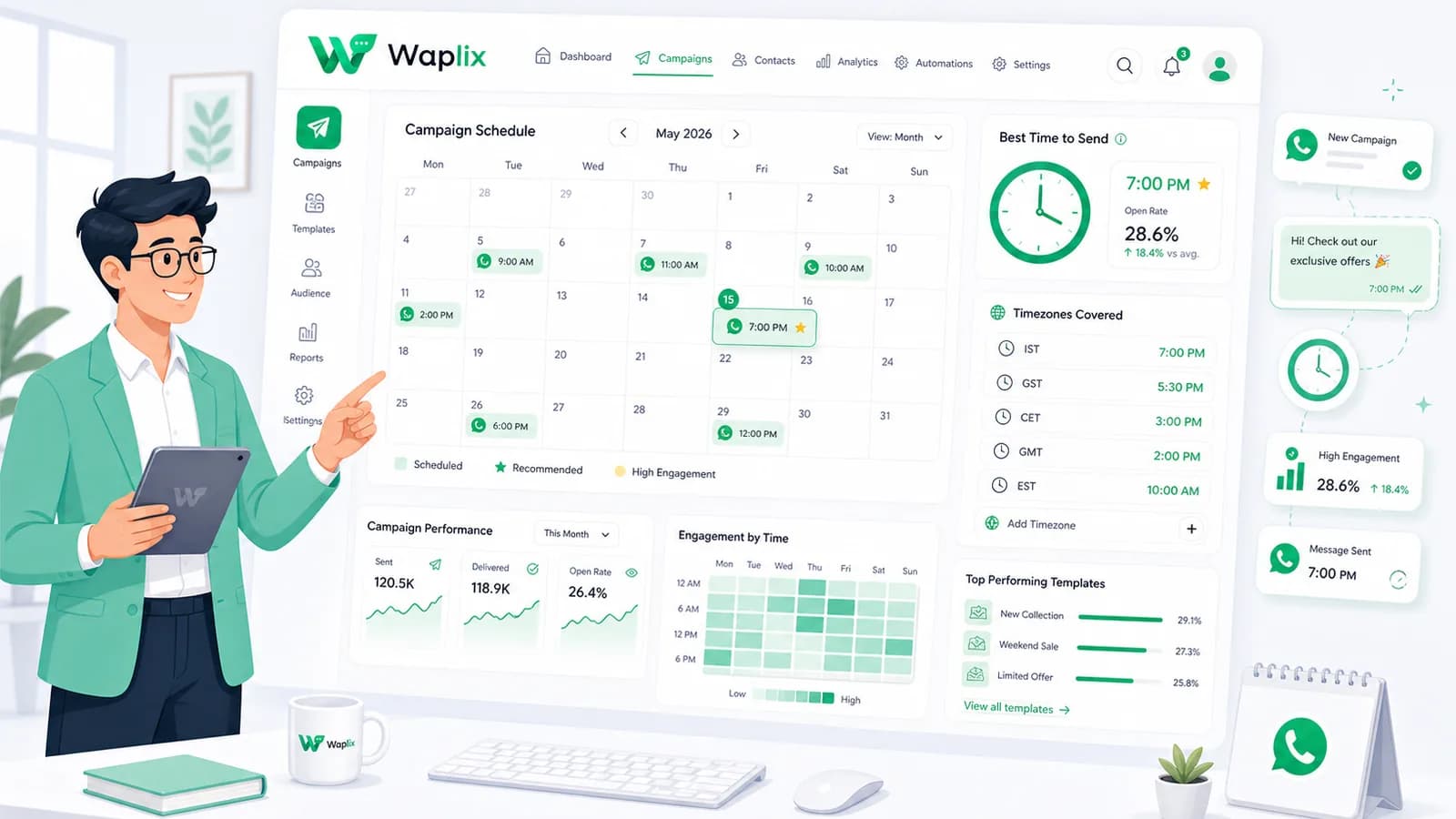
Best Time to Send WhatsApp Campaigns

Timing is everything in conversational marketing. Maximize your read speeds, conversion rates, and response times by learning when to schedule your broadcasts based on real user analytics.

Jun 3, 2026 11 min read By Waplix Team
Share:
Best Time to Send WhatsApp Campaigns

Optimize Your Campaign Delivery Times

Unlike email marketing, which sits in inboxes for hours, WhatsApp is an instant communication channel. Over 80% of WhatsApp messages are read within 5 minutes of receipt. This means when you hit send, you are directly capturing your subscriber's immediate attention.

However, catching attention at the wrong moment can irritate your audience. Sending promotional updates during a late-night period, during busy morning commutes, or over hectic family holiday weekends leads directly to high opt-outs and user report flags.

In this guide, we analyze real-world campaign analytics to identify the best time blocks to schedule B2B and B2C WhatsApp campaigns.

Insight: B2C brands see highest engagement on Tuesday and Thursday afternoons. B2B brands perform best on mid-week mornings between 9:30 AM and 11:30 AM.

Schedule based on recipient timezones and track conversion timelines with Waplix.

Start for Free See Key Features
Audience Performance by Time Blocks

Compare the engagement profiles of B2C and B2B customer bases across standard weekly hours.

Day & Time Block B2C Campaign Performance B2B Campaign Performance Compliance Rating
Mon - Fri (9:00 AM - 11:30 AM) Moderate (Active shopping interest) High (Focus, project updates) Excellent (Standard hours)
Mon - Fri (12:00 PM - 2:00 PM) High (Lunch break browse) Low (Out of office) Excellent (Standard hours)
Mon - Fri (2:30 PM - 5:30 PM) High (Afternoon rest periods) Moderate (Closing daily tasks) Excellent (Standard hours)
Mon - Sun (9:00 PM - 8:00 AM) Very Low (Sleep interruption) Very Low (Intrusive contact) Risky (Triggers high report rates)
Saturday (10:00 AM - 1:00 PM) High (Weekend retail/events) Very Low (Weekend rest) Good (Weekend morning)

6 Steps to Optimize Campaign Schedules

Adopt these scheduling routines to refine your campaign delivery times.

01

Establish Timezones

Segment list files based on regional timezones to prevent out-of-hours messages.

02

Align Content Category

Send marketing items during high-mood hours and utility updates instantly.

03

Configure Quiet Hours

Hardcode suppression windows to prevent automation templates from firing during local sleep hours.

04

Staff Help Desks First

Only send campaigns when agents are active in your shared inbox to address immediate replies.

05

Run Split Tests

Send identical templates to cohorts at 10 AM, 2 PM, and 6 PM to track CTR variations.

06

Analyze Read Speed

Monitor logs to find when the gap between "delivered" and "read" is smallest.

Developer Integration: Programmatic Timezone-Aware Scheduling

Developers can calculate target times using customer timezone database records and submit delayed sends to the Waplix API.

Endpoint

POST /api/v1/campaigns/schedule
Authorization: Bearer YOUR_API_TOKEN
Content-Type: application/json

{
  "template_name": "seasonal_sale_alert",
  "timezone_matching": true,
  "target_local_time": "14:30:00",
  "recipients": [
    { "phone": "+15551239876", "timezone": "America/New_York" },
    { "phone": "+442079460192", "timezone": "Europe/London" }
  ]
}

Response Example

{
  "success": true,
  "job_id": "job_time_55102",
  "scheduled_sends": [
    { "phone": "+15551239876", "send_at": "2026-07-06T18:30:00Z" },
    { "phone": "+442079460192", "send_at": "2026-07-06T13:30:00Z" }
  ]
}

Cancel Scheduled Send Example

DELETE /api/v1/campaigns/schedule/job_time_55102
Authorization: Bearer YOUR_API_TOKEN

{
  "success": true,
  "message": "Scheduled job job_time_55102 cancelled successfully"
}

Compliance and Sending Rules

WhatsApp's spam monitoring algorithms analyze user-initiated reports. Intrusive timing is a main driver of reports.

Compliance Alert: Do not automate marketing follow-ups to trigger during midnight hours, as this violates customer experience guidelines and lowers number quality rankings.
  • Strictly respect local quiet hour guidelines (usually 9:00 PM to 8:00 AM).
  • Keep template content aligned with category settings (marketing templates must follow scheduling rules).
  • Sync campaign drops with customer service shifts to manage incoming response volume.
  • Monitor block rates closely when scheduling campaigns on weekends.

Timezone Scheduling Controls

Manage your campaign schedules inside the Waplix Campaign Console.

Waplix Timezone Broadcast Scheduler

Visual UI panel allowing users to set target local hours and distribute sends dynamically based on regional records.

Suggested setup: cron config where send is scheduled for '14:30' with 'Align to Contact Timezone' active.
Waplix Engagement Heatmap Dashboard

Visual map showing delivery-to-read intervals, peak click hours, and response rates by day of the week.

Suggested setup: heatmap highlights highlighting Tuesday 2:00 PM and Thursday 3:30 PM as peak response periods.

Schedule for Maximum Engagement

By scheduling broadcasts during active daylight hours, aligning sends with local timezones, and verifying agent availability in the shared inbox, you can maximize CTR and keep block rates low.

Configure Smart Scheduling Today

Leverage timezone-aware scheduling, response heatmaps, and CRM mapping with Waplix.

Register Free View Platform Pricing

Related Guides & Insights

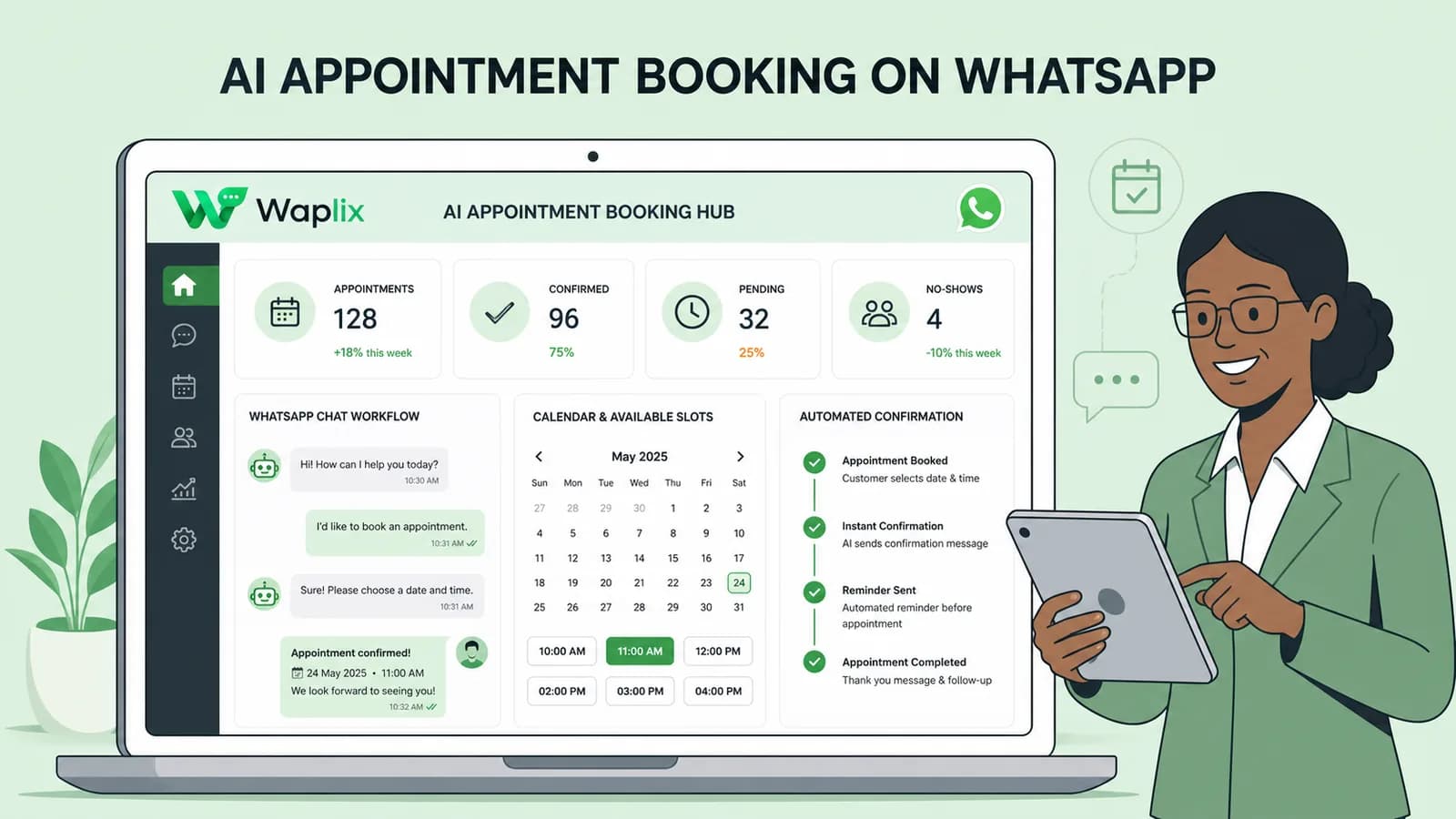
AI Appointment Booking on WhatsApp
AI Agents

AI Appointment Booking on WhatsApp

Learn how to build AI-driven booking systems on WhatsApp, connecting calendar databases to conversational agents, automating updates, and reducing client no-shows.

Read Article
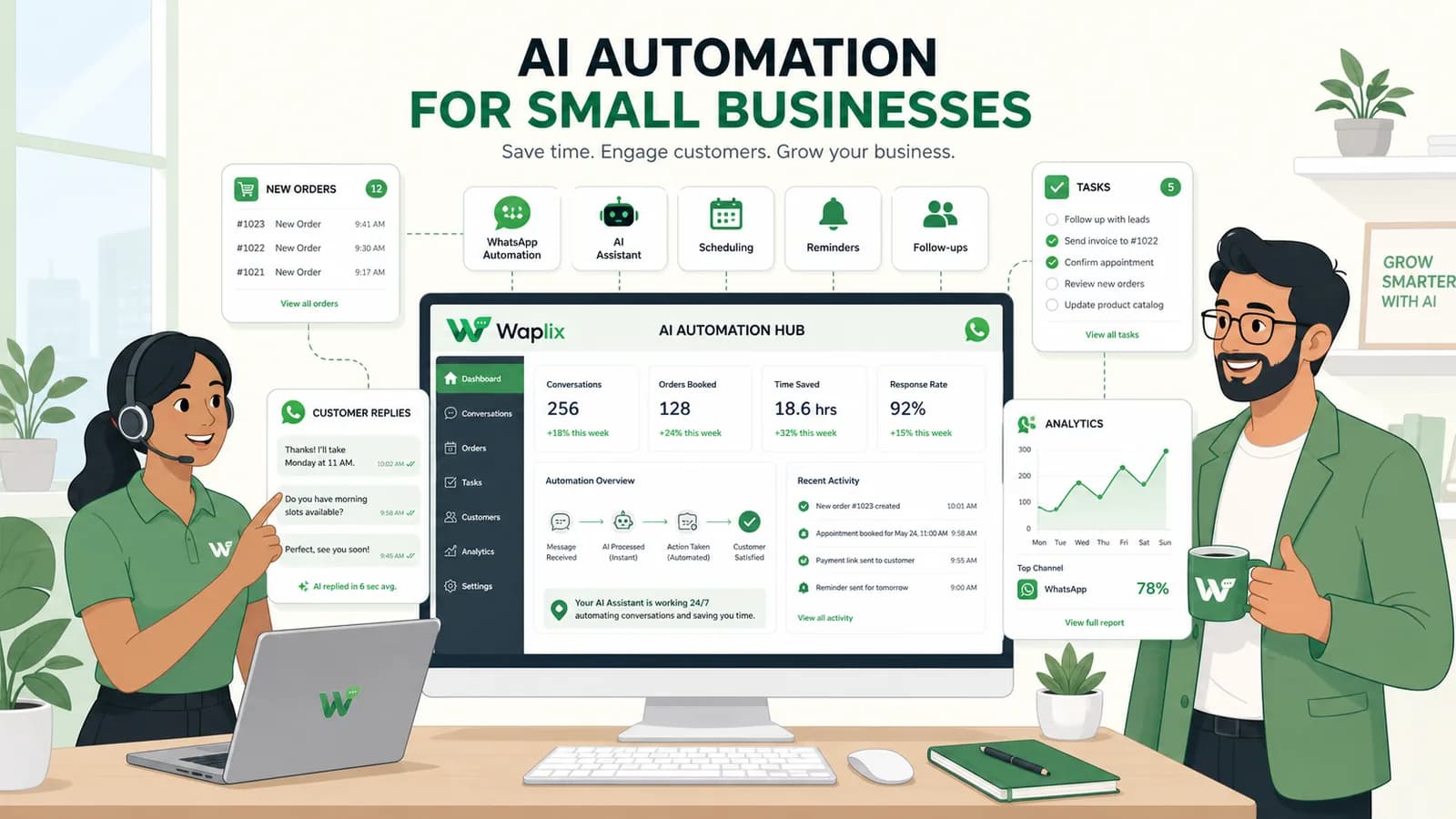
AI Automation for Small Businesses
AI Agents

AI Automation for Small Businesses

Discover practical ways small businesses can leverage no-code AI automation on WhatsApp to manage customer conversations, qualify prospects, and coordinate bookings 24/7.

Read Article
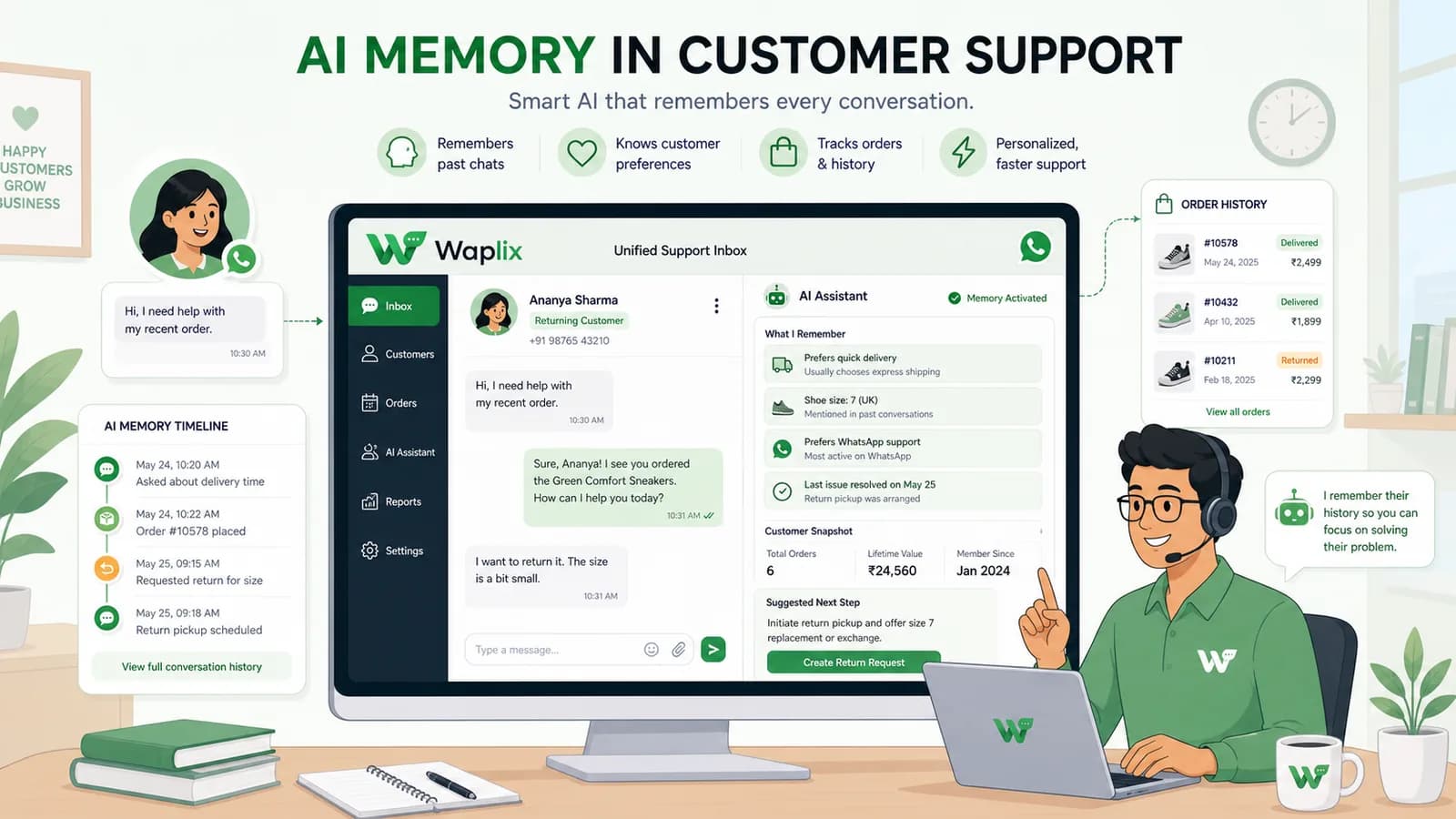
AI Memory in Customer Support
AI Agents

AI Memory in Customer Support

Explore the technology behind AI memory and context retention, learning how session databases personalization results in better, trust-filled client interactions.

Read Article