WhatsApp API

Common WhatsApp API Errors and How to Fix Them

Stop guessing why messages fail. Learn how to parse Meta's error codes, resolve token issues and template mismatches, and build robust error handling directly into your codebase.

Jun 20, 2026 11 min read By Waplix Team
Share:
Common WhatsApp API Errors and How to Fix Them

Debug WhatsApp API integrations quickly with Waplix

Building integrations requires dealing with errors. Because the WhatsApp Business API operates as a secure gateway, small syntax errors, outdated tokens, or formatting mismatches will cause Meta's servers to reject your payloads. If your system fails to log these errors, integration issues can remain hidden.

Debugging requires understanding Meta's error payload structure, which includes HTTP status codes, error codes, and error subcodes. Correctly identifying these codes is key to resolving token issues, fixing parameter mismatches, and managing throughput limits.

In this guide, we will examine the most common WhatsApp API error codes. We will compare error categories, outline the debugging pipeline, share production-ready developer code, and explain compliance rules.

Overview: WhatsApp errors return structured JSON payloads containing error codes and subcodes. Waplix processes these responses and logs them in a central developer console.

Access structured error logs, inspect payload histories, and test retry rules from our developer console.

Create your free developer account See Waplix features
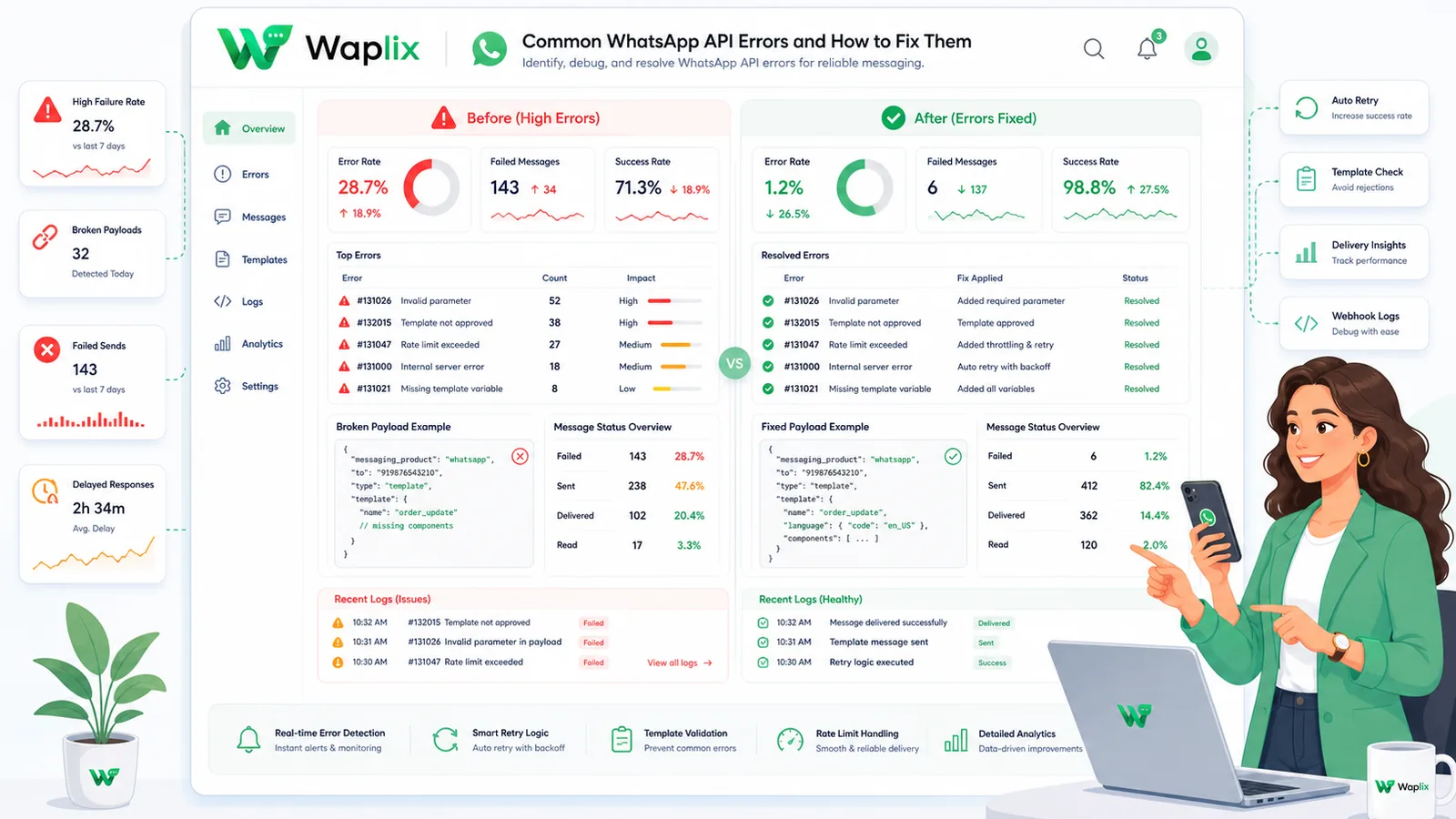
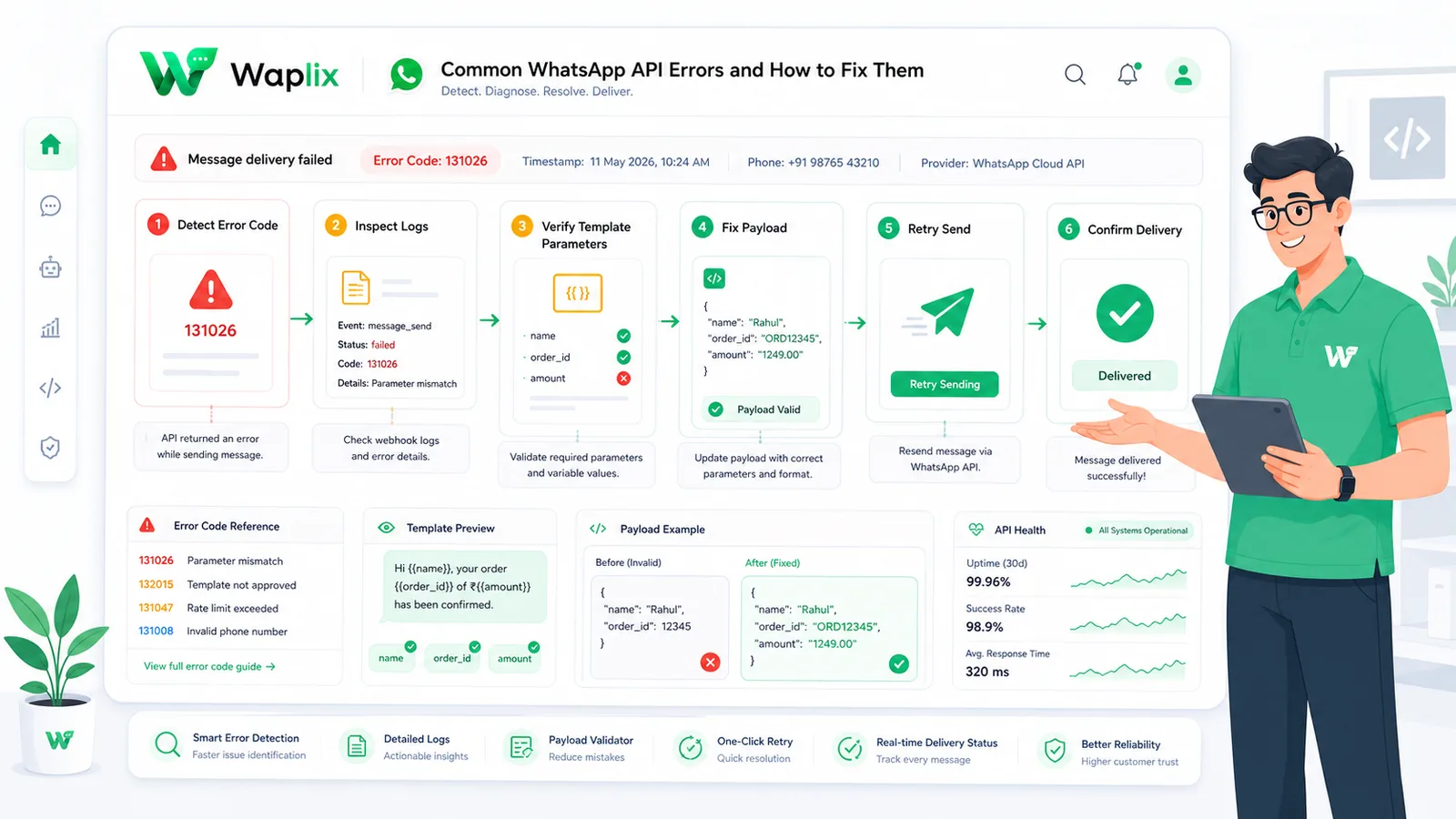
Common API error codes compared

WhatsApp API errors are grouped by their HTTP status codes. This comparison table details the most common error subcodes developers encounter and how to resolve them.

HTTP StatusMeta SubcodeRoot CauseResolution Action
401 Unauthorized190Expired or invalid access token.Generate a permanent System User token.
400 Bad Request132001Template parameter count mismatch.Verify JSON variables match approved layouts.
400 Bad Request131030Recipient number is not on WhatsApp.Validate E.164 formats prior to sending.
429 Too Many Requests131048User-level rate limit exceeded.Throttle dispatches and use worker queues.

While unauthorized errors are resolved by updating credential variables, template mismatches require verifying body parameters. Double-checking your JSON structure before sending prevents syntax rejections.

The API debugging sequence

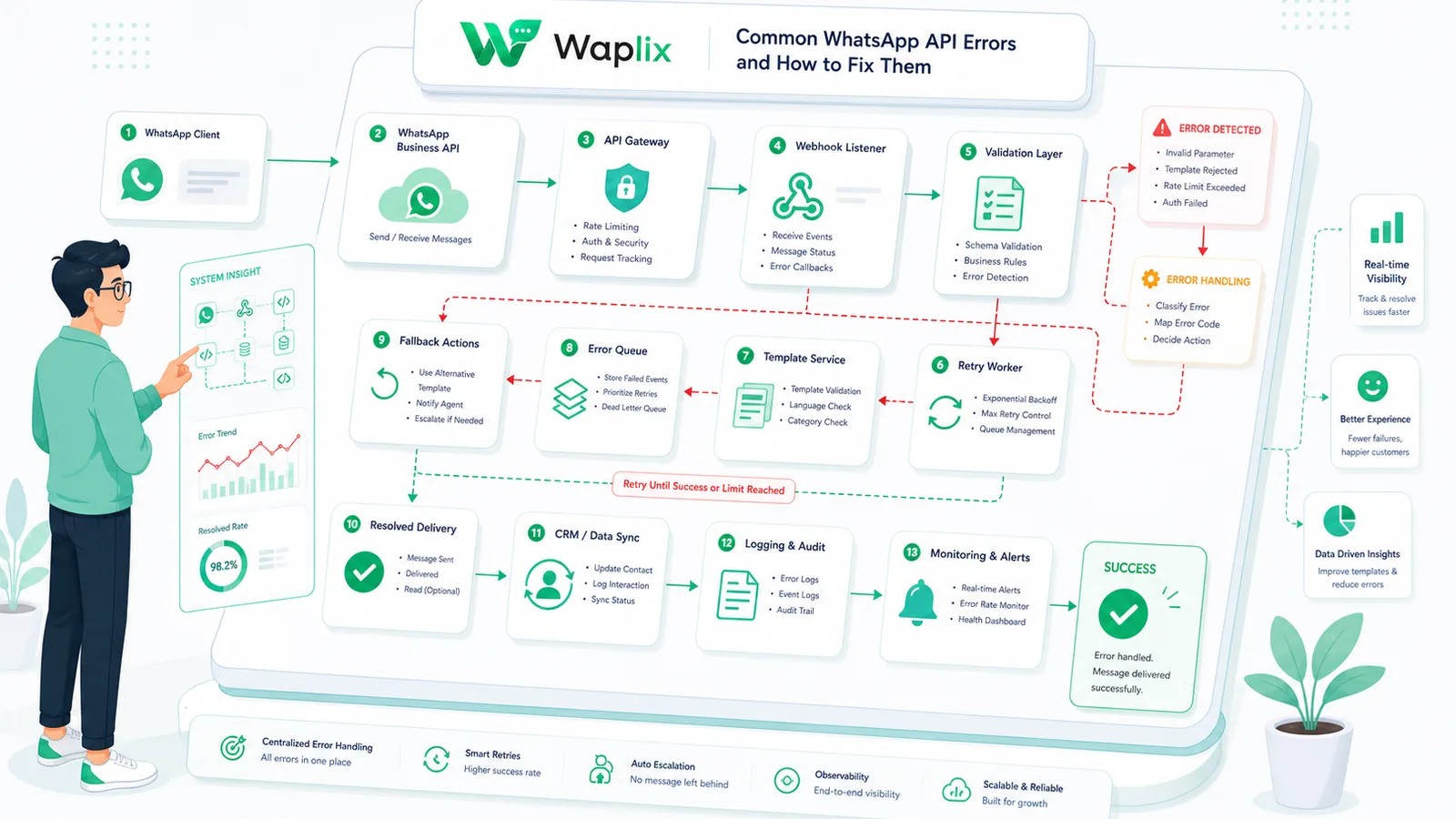
To resolve delivery errors efficiently, integrations should follow a structured debugging sequence. When an API call fails, the response payload must be parsed and logged systematically.

1. Catch connection failure

The application catches client exceptions during API dispatches, ensuring connection dropouts don't crash your server threads.

2. Extract error metadata

The code extracts HTTP headers, error codes, and subcodes from the response body, mapping Meta's feedback to local log files.

3. Check verify tokens

If webhooks fail to deliver, the developer audits the verification handshake process, checking that local verification tokens match gateway settings.

4. Retry with backoff

For temporary errors like HTTP 429 rate limits or HTTP 500 server drops, the system schedules a delayed retry using exponential backoff.

Key Takeaway

Always log the "fbtrace_id" header returned in Meta API responses. When submitting support tickets to Meta or Waplix, providing this trace ID helps support teams find your request logs quickly.

Step-by-step debugging guide

Implement this checklist to build a reliable error handling and logging system for your messaging pipeline.

01

Enable detailed logging

Configure your HTTP client to log request payloads, response bodies, and headers for all API interactions.

02

Map error subcodes

Create exception classes mapping common subcodes (190, 132001, 131048) to custom application alerts.

03

Generate permanent keys

Replace temporary console tokens with permanent System User access keys to prevent expiration errors.

04

Verify template inputs

Audit your templates to ensure parameter arrays match approved Meta schemas in both count and type.

05

Set up fallback logic

Implement email or SMS fallbacks for critical notifications when WhatsApp delivery fails due to invalid numbers.

06

Audit webhooks logs

Monitor webhook callback logs to track message statuses and catch client-side routing exceptions early.

Debugging Tip: Keep a local cache of numbers that return 131030 (not on WhatsApp) and skip sending to them for 30 days to avoid wasting API credits.

Error resolution workflow

This flow chart outlines how an application routes API failures, distinguishes between temporary and permanent errors, and schedules retries.

Transient errors, like temporary network drops or rate limit limits, are routed to retry queues. Permanent issues, such as credential expiration or template mismatches, bypass retries and alert developer teams immediately.

System architecture and error monitoring

Managing errors at scale requires a monitoring setup that logs API failures, tracks delivery rates, and alerts developers to anomalies.

Using Waplix simplifies this monitoring. Rather than parsing raw Meta logs, Waplix provides a unified dashboard showing delivery stats, error rates, and webhook performance metrics, making troubleshooting straightforward.

Developer Integration: Error catching and webhook debugging in Node.js

This Node.js example demonstrates how to catch API exceptions, parse subcodes, and log diagnostic details.

const API_TOKEN = process.env.WAPLIX_API_KEY;
const API_URL = 'https://api.waplix.io/v1/messages/send';

async function dispatchMessage(payload) {
    try {
        const response = await fetch(API_URL, {
            method: 'POST',
            headers: {
                'Authorization': `Bearer ${API_TOKEN}`,
                'Content-Type': 'application/json'
            },
            body: JSON.stringify(payload)
        });

        const data = await response.json();

        if (!response.ok) {
            handleAPIError(response.status, data);
            return null;
        }

        console.log('Success! Message ID:', data.message_id);
        return data;
    } catch (err) {
        console.error('Network dispatch exception:', err.message);
    }
}

function handleAPIError(status, errorPayload) {
    const error = errorPayload.error || {};
    const code = error.code;
    const subcode = error.error_subcode;
    const message = error.message;
    const fbtrace = error.fbtrace_id;

    console.error(`HTTP Error ${status} | Meta Code: ${code} | Subcode: ${subcode}`);
    console.error(`Trace ID: ${fbtrace} | Description: ${message}`);

    switch (subcode) {
        case 190:
            console.error('Action Required: Access token has expired. Rotate your API keys.');
            break;
        case 132001:
            console.error('Action Required: Template schema mismatch. Check your parameter indexes.');
            break;
        case 131048:
            console.warn('Action Required: Rate limit reached. Throttling outbound queues...');
            break;
        default:
            console.error('Review the Meta Developer Documentation for this subcode.');
    }
}
Developer Security Note: Avoid outputting raw API error messages containing tokens or customer phone numbers to frontend clients. Log detailed errors on your secure backend servers.

For more detailed code samples, visit the API documentation and review our webhook documentation.

Compliance, metrics, and spam blocks

Frequent API errors and user reports can lower your quality score and restrict messaging capabilities.

  • Avoid block lists. High volumes of reports from recipients can lead Meta to rate-limit or block your number.
  • Maintain quality scores. Check your number's quality score in Waplix to ensure it remains "High" (Green).
  • Clean database lists. Routinely remove inactive numbers that generate delivery failures (subcode 131030).
  • Explicit opt-in consent. Check that contacts have opted in to receive messages before sending outbound alerts.
Compliance Note: This guide provides operational advice, not legal counsel. Regulations vary by country and region. Always consult qualified legal advisors to ensure your messaging strategies comply with local laws.

How Waplix manages API credentials securely

Waplix provides small businesses with official WhatsApp API access, eliminating the complexity of managing server infrastructure. Build workflows, manage templates, route replies to a shared inbox, and view campaign analytics—all from a single, unified platform.

Waplix Developer Settings Screen Screenshot Placeholder

Replace this with a real Waplix screenshot showing API keys, sandbox environments, and webhook endpoints.

Suggested screenshot: Managing API credentials and webhook integrations in the Waplix developer dashboard.
Waplix PHP SDK sandboxes logs console screen screenshot placeholder

Replace this with a real Waplix screenshot showing execution logs, curl payload responses, and webhook execution metrics.

Suggested screenshot: Auditing cURL response codes and webhook executions in the Waplix sandbox logs console.

Common debugging mistakes

  • Logging generic error messages. Recording only the HTTP status code (e.g. 400) without extracting Meta's subcode.
  • Ignoring validation logs. Overlooking webhook verification logs during sandbox handshakes, causing silent drops.
  • Hardcoding active keys. Exposing access tokens in client-side repositories, leading to security breaches.
  • Retrying config failures. Scheduling retries for template mismatch errors instead of fixing the JSON parameters.
  • Neglecting tracing IDs. Deleting fbtrace_id values from debug logs, making support tickets hard to resolve.

Best practices for error management

Inspect error subcodes

Always parse the exact subcode to determine the root cause of failures.

Store trace IDs

Log fbtrace_id values to accelerate troubleshooting with Waplix support.

Implement backoff retry

Retry temporary network drops using exponential backoff schedules.

Set up alert webhooks

Configure notifications for persistent API failures in production.

Conclusion and next steps

Debugging WhatsApp API error codes is straightforward when you log and parse HTTP response payloads, subcodes, and trace IDs. Decoupling dispatches, handling temporary errors with retries, and using Waplix's error logs keeps your integration running smoothly.

To begin, check your logging configurations, verify your template parameter counts, and audit sandbox executions in the dashboard console.

Build secure WhatsApp integrations with Waplix

Create a developer account, connect your business number, and automate customer support at scale.

Create your free account Contact our sales team

Related Guides & Insights

AI Appointment Booking on WhatsApp
AI Agents

AI Appointment Booking on WhatsApp

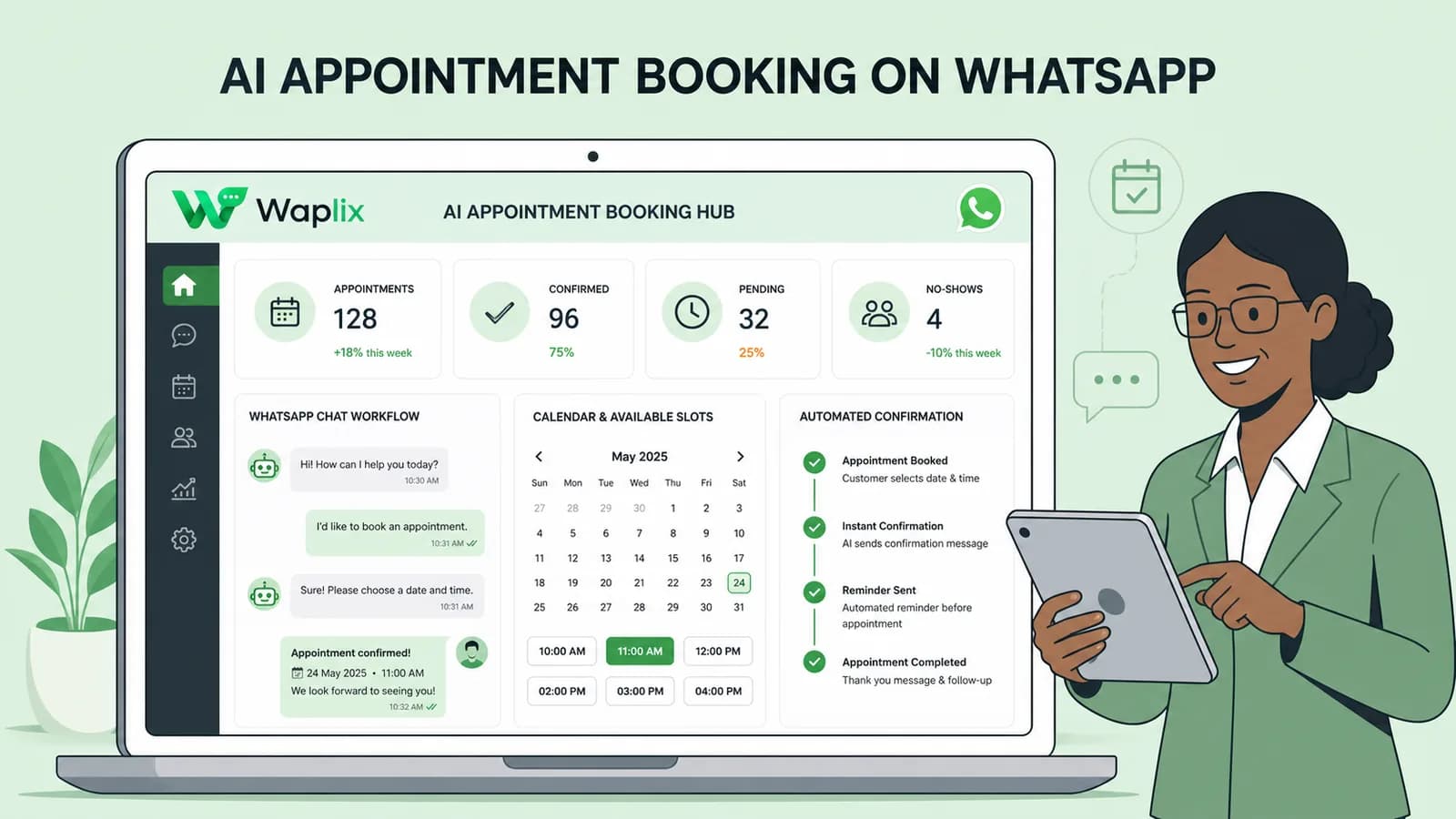
Learn how to build AI-driven booking systems on WhatsApp, connecting calendar databases to conversational agents, automating updates, and reducing client no-shows.

Read Article
AI Automation for Small Businesses
AI Agents

AI Automation for Small Businesses

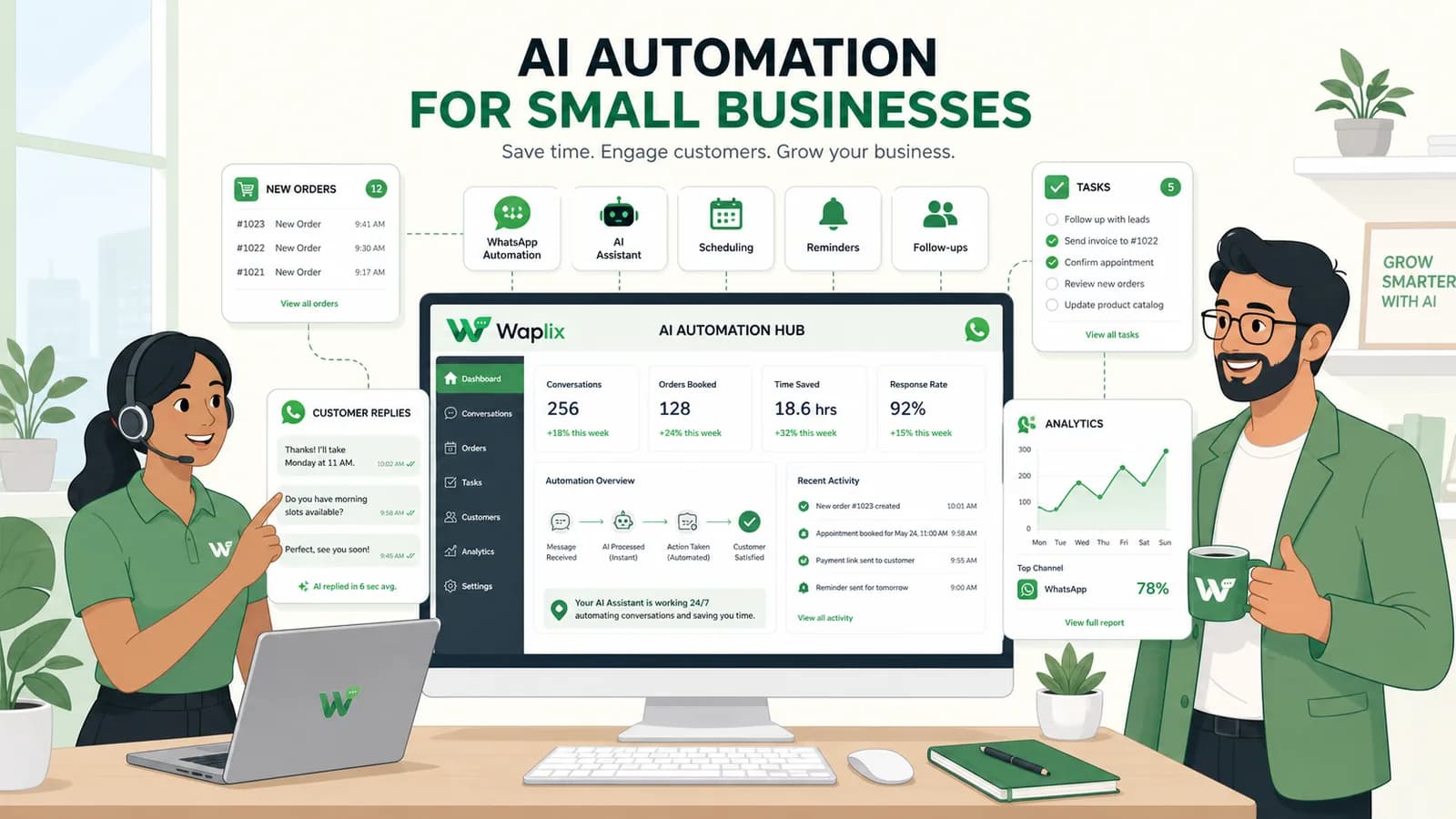
Discover practical ways small businesses can leverage no-code AI automation on WhatsApp to manage customer conversations, qualify prospects, and coordinate bookings 24/7.

Read Article
AI Memory in Customer Support
AI Agents

AI Memory in Customer Support

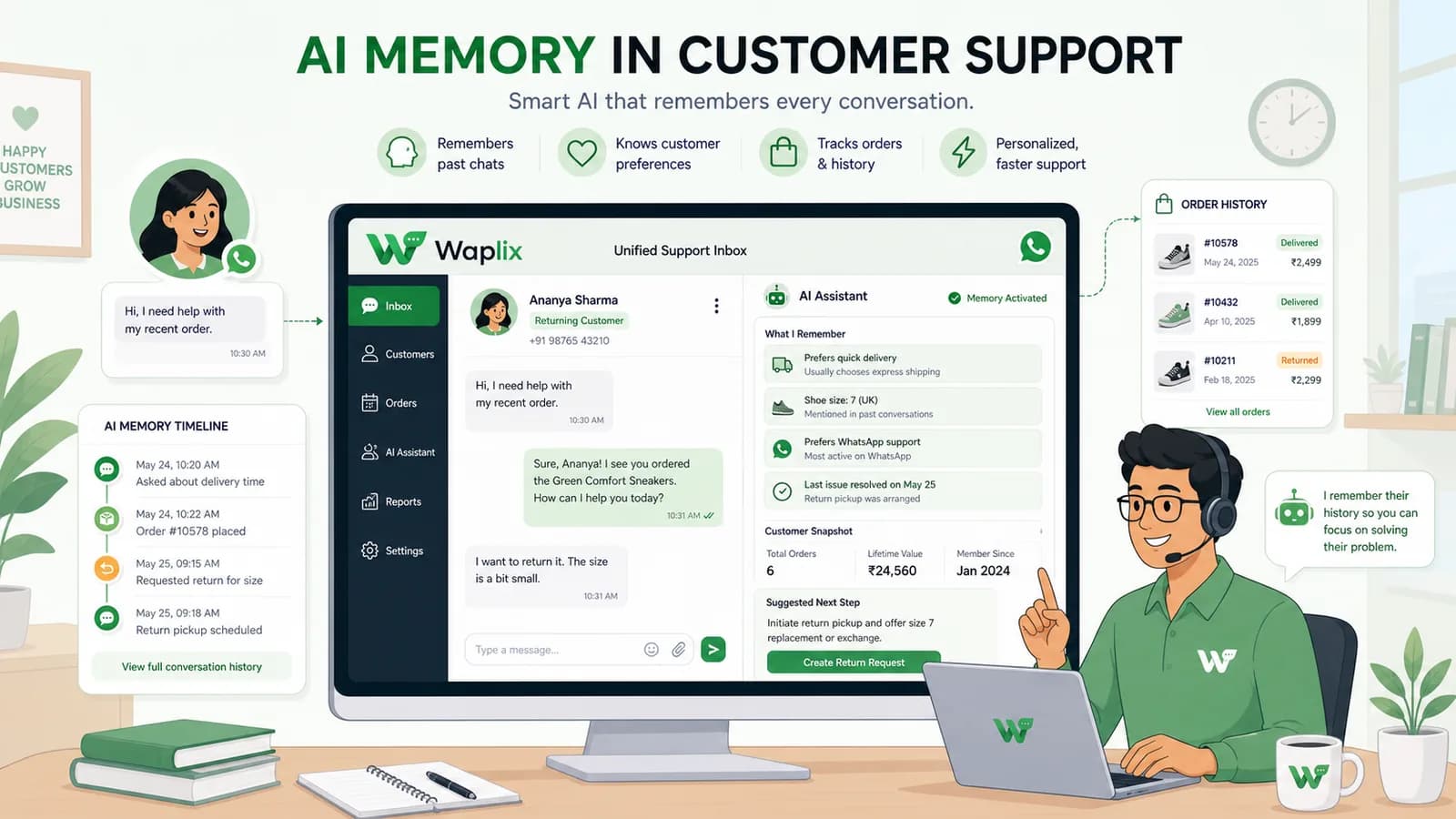
Explore the technology behind AI memory and context retention, learning how session databases personalization results in better, trust-filled client interactions.

Read Article