CRM

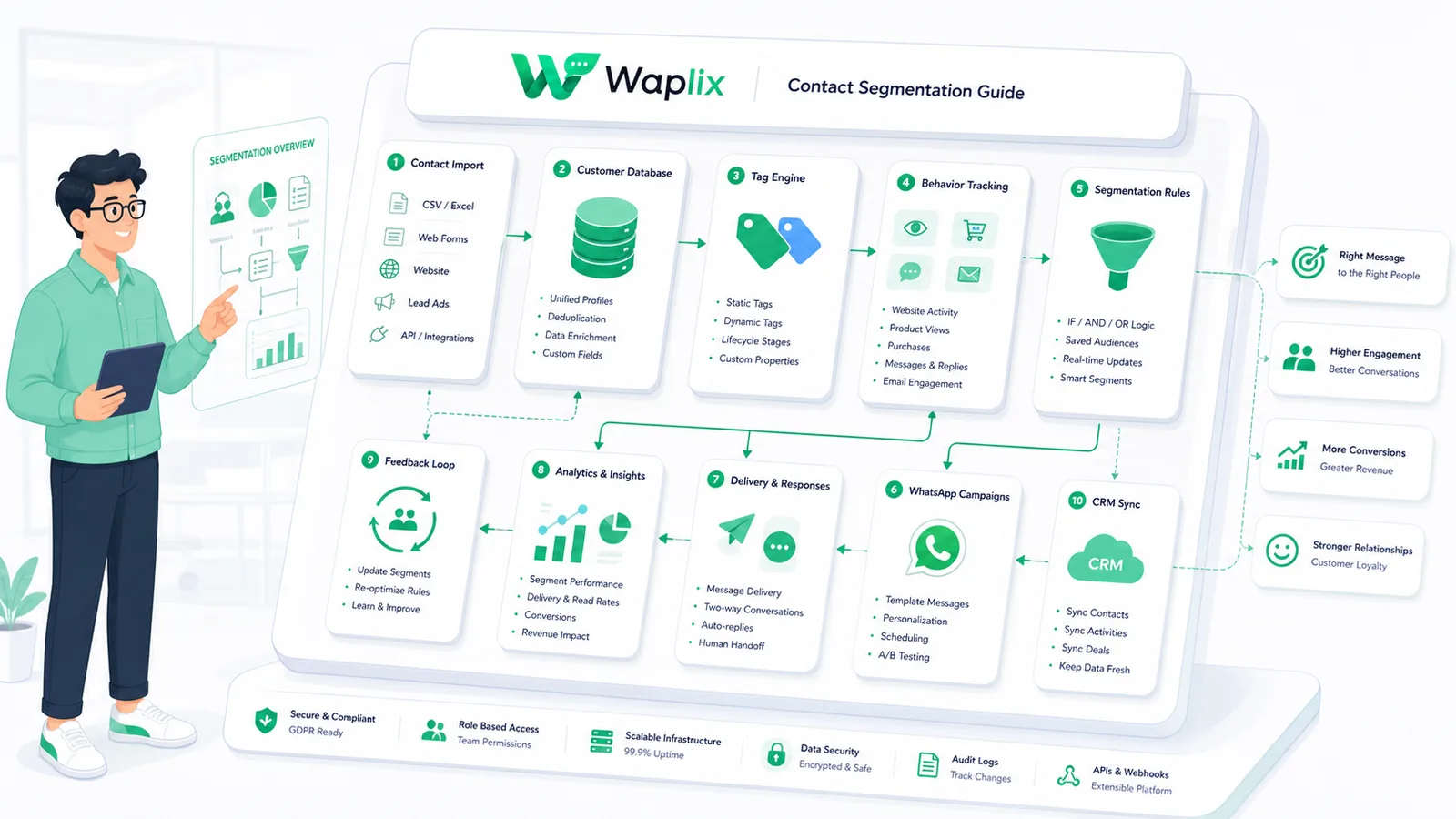
Contact Segmentation Guide

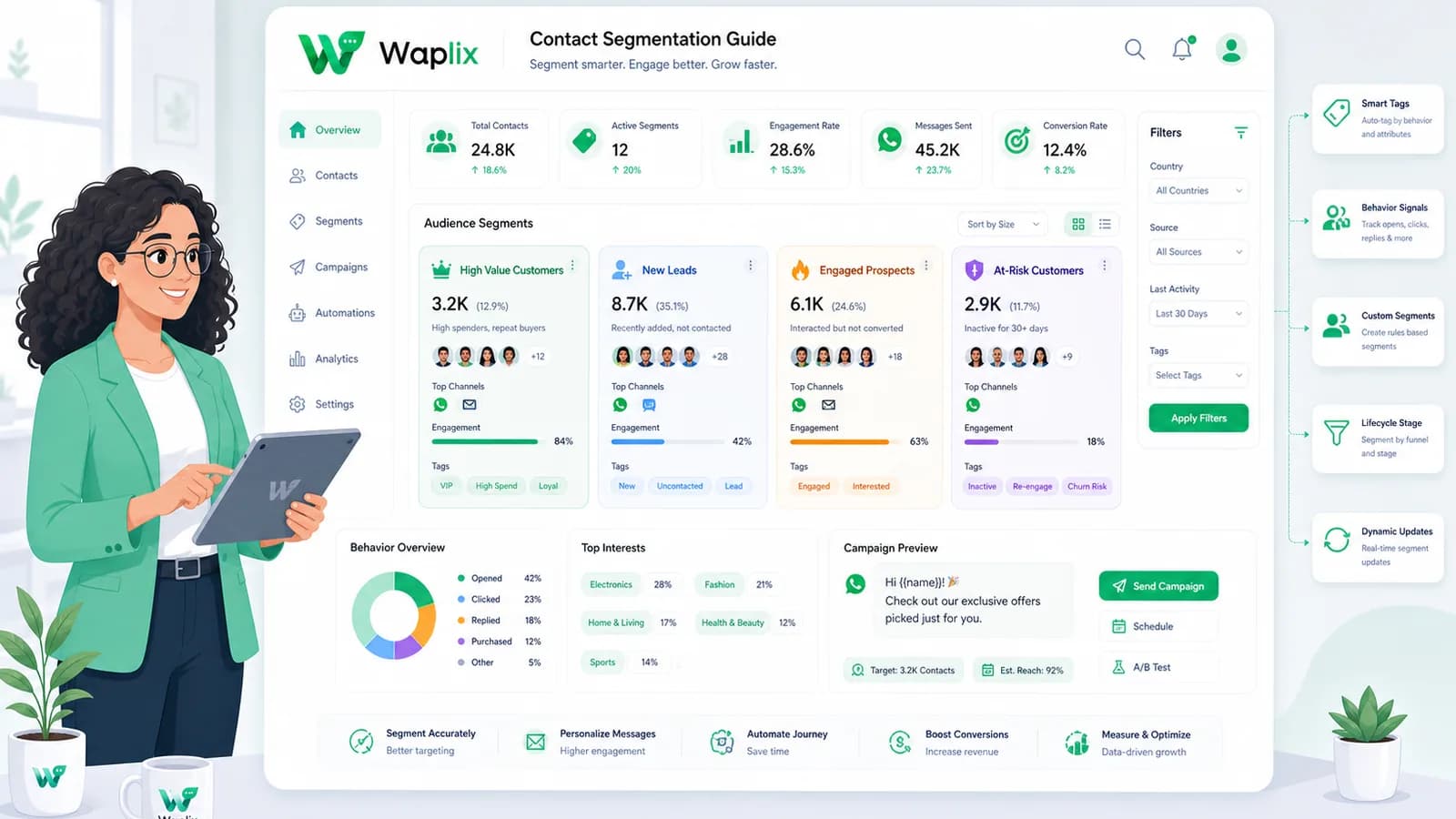
Sending broad messages to unsegmented databases, ignoring customer action tags, or omitting opt-out quick actions will lead to high opt-outs and phone blocks. Structuring dynamic contact segment triggers is key. Follow this segmentation guide.

Feb 11, 2026 11 min read By Waplix Team
Share:
Contact Segmentation Guide

Build secure, dynamic WhatsApp campaigns with Waplix

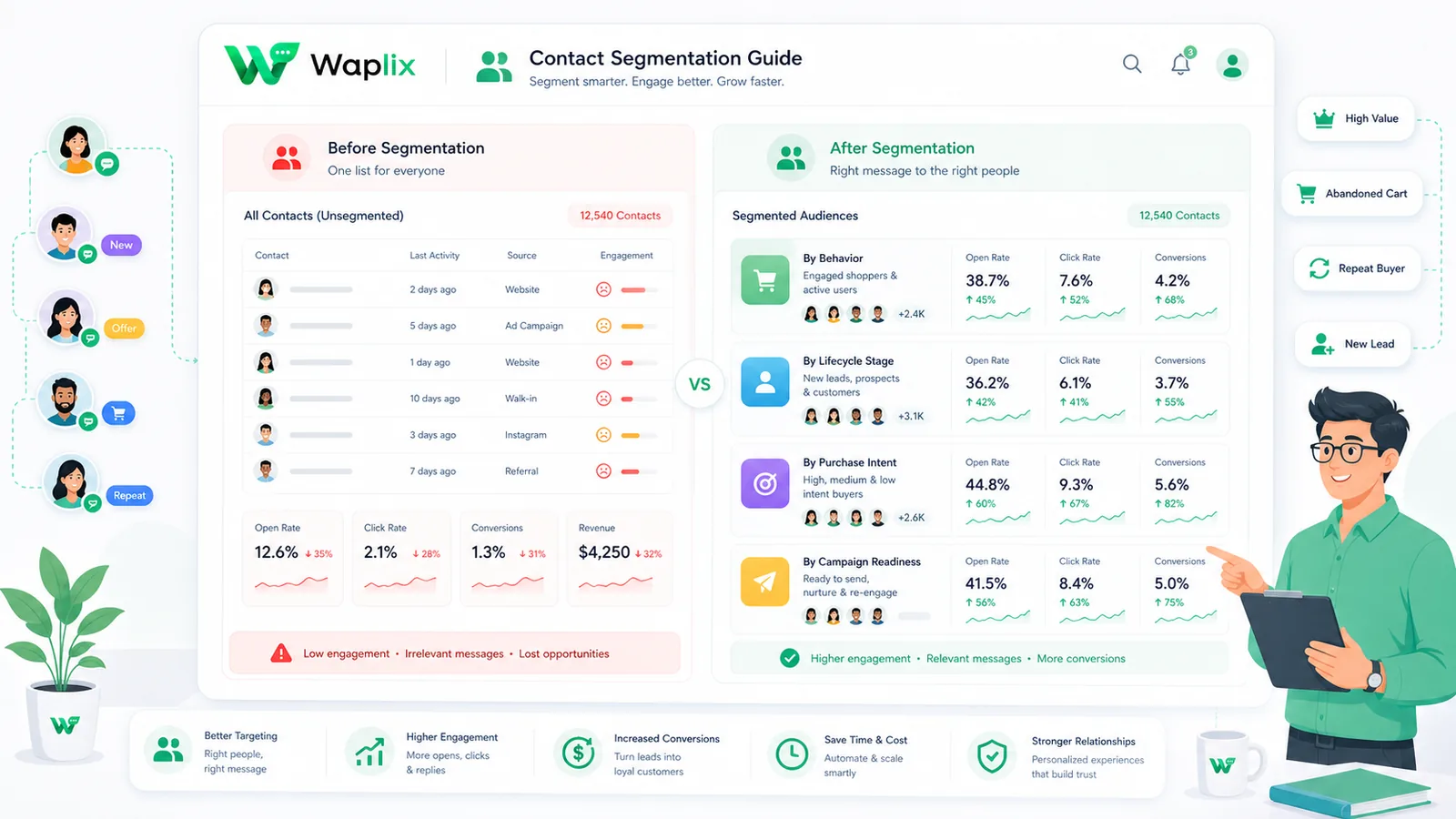
Building high-volume marketing workflows on WhatsApp requires selective contact targeting. Unlike traditional email lists where unsegmented newsletters result in low click-through rates, sending irrelevant bulk messages on WhatsApp triggers immediate user reports. Effective contact segmentation prevents these quality score drops.

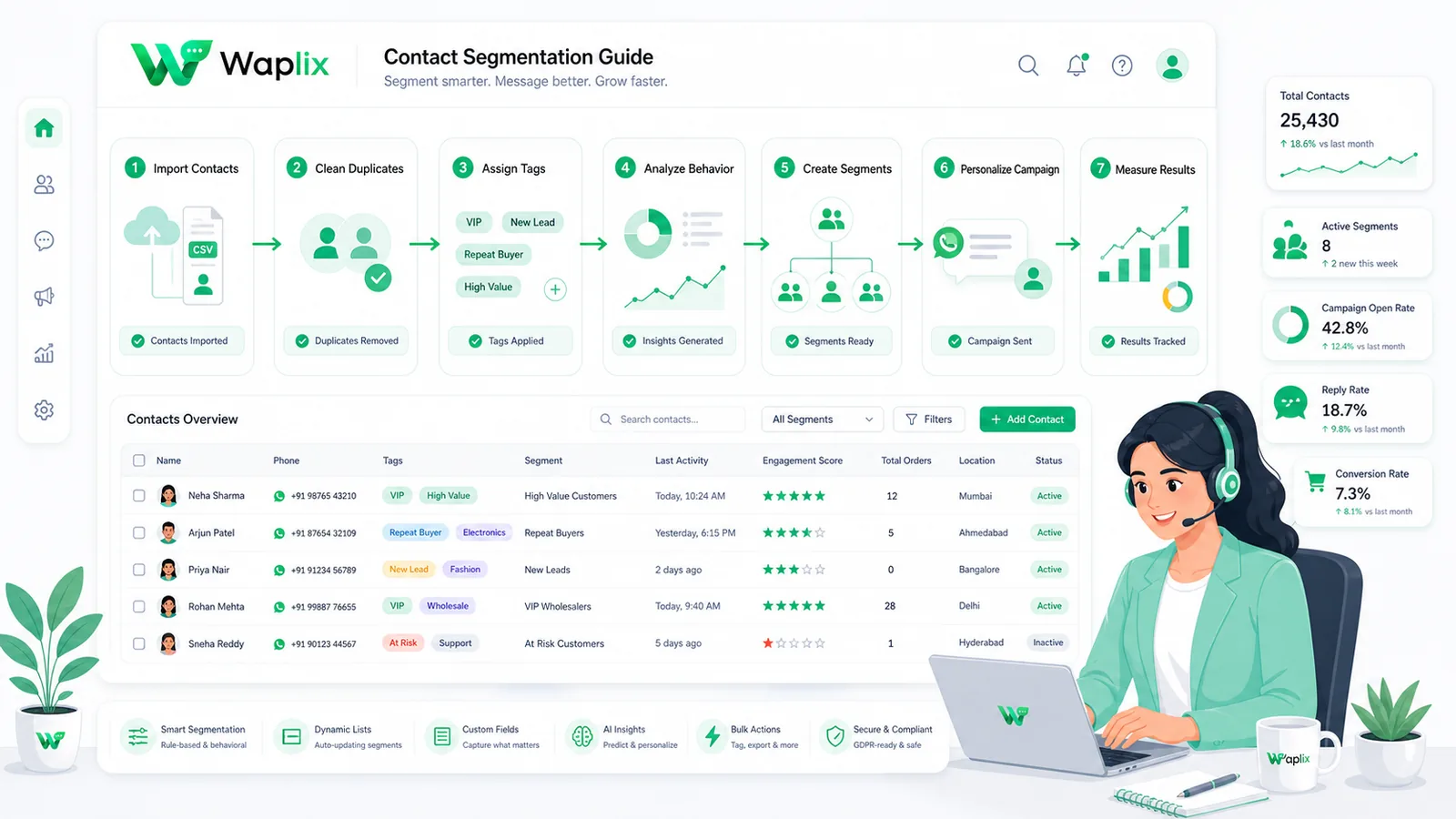
Setting up targeted segments requires applying demographic tags, tracking user chat behaviors, mapping transaction purchase lists, and automating opt-out status changes. Implementing these structures ensures you route relevant campaigns to active prospects.

This developer guide details contact segmentation. We will examine parameter tables, segmentation checklists, setup steps, pipeline diagrams, and complete cURL request blocks to manage customer tags.

Overview: Segmenting contacts enables target filters. Businesses apply custom tags dynamically based on user chat behavior or system database events.

Manage customer lists, filter contacts using custom tags, and trigger campaigns from our business dashboard.

Create your free developer account See Waplix features
Core customer segmentation models

WhatsApp CRMs allow you to filter contacts using nested fields. This table compares the primary segmentation strategies.

Segmentation ModelPrimary Filter FieldsBest Suited ForWorkflow Complexity
Demographiccountry, city, languageLocalizing product launches or regional holiday alerts.Low. Static contact fields.
Behaviorallast_chat_date, tag_clicksRe-engaging inactive leads, target quiz follow-ups.High. Real-time webhook logs.
Transactionaltotal_spend, order_countPromoting high-ticket products to verified VIP buyers.Medium. Sync with checkout DB.
Lifecyclelead_stage, active_subAcquisition welcome loops or user renewal alerts.Medium. Sync with SaaS tables.

By connecting systems, you can trigger specific messages based on customer behavior—such as confirming a booking, following up on a delivery, or recovering an abandoned shopping cart.

Core use cases for list segmentation

Implement targeted segment campaigns to keep number quality scores high.

1. Transactional order confirmations

Send confirmations and purchase details instantly when checkout completes. These transactional updates keep customers reassured and reduce check-in inquiries.

2. E-commerce cart recovery

Trigger recovery reminders when shopping carts are abandoned. Personalizing templates with product names and checkout links helps recover lost sales.

3. Automated shipping and tracking updates

Integrate delivery updates to notify customers as their package changes hands, providing proactive transparency throughout fulfillment.

4. Out-of-office and away responders

Set up automated responders to handle inbound chats outside business hours, set response expectations, and route urgent queries to triage queues.

Key Takeaway

Prioritize transactional alerts and utility automations first. Establish high delivery rates and compliance metrics before launching promotional broadcasts.

Step-by-step segmentation rollout

Setting up your WhatsApp automation workflows requires careful planning. Follow this step-by-step guide to get started.

01

Register your API number

Register your business number through Waplix. Connect it to your Meta Business Manager and pass verification.

02

Design dynamic templates

Write and submit utility and marketing templates containing placeholder variables for Meta approval.

03

Map event triggers

Identify target business events (e.g. checkouts, bookings) and configure system webhooks to fire payloads.

04

Set up consent checks

Integrate opt-in filters in signup and checkout forms to check contact consent status before sending messages.

05

Design the reply routing

Configure automated auto-replies or route replies to a shared inbox so agents can handle manual follow-ups.

06

Monitor metrics & adjust

Analyze delivery statuses, open rates, and opt-out metrics to optimize message timing and template copy.

Automation Tip: Collect documented consent at checkout. Confirming consent protects your number quality score and keeps campaigns compliant.

Dynamic tag assignment pipeline

A dynamic tag pipeline updates contact details based on active webhook events. This flow outline details the routing loop.

Incoming user messages are parsed for active intent. Standard FAQs are resolved instantly by your AI support agent. Complex issues route to human queues, where agents collaborate to resolve them and log performance metrics.

Technical data flow and architecture

A reliable customer support setup requires seamless sync between Meta's WhatsApp servers, your help desk software, and your business backend databases.

When an internal event occurs, your system fires a webhook. The Waplix engine validates the phone format, checks active marketing opt-ins, selects the target template, and submits the payload to Meta's servers for delivery.

Developer Integration: Contact tag API execution

This implementation example shows how to configure outbound message payloads using the Waplix REST API.

1. Send text message payload

A standard HTTP POST request to send text messages using Waplix credentials.

POST /v1/messages/send HTTP/1.1
Host: api.waplix.io
Authorization: Bearer wplx_live_55ab88c990efc127
Content-Type: application/json

{
  "to": "+15550144983",
  "type": "text",
  "text": {
    "body": "Hello, this is a secure customer update from our support desk."
  }
}
Developer Security Note: Always store your API keys securely in your environment variables. Validate incoming webhook signatures server-side to ensure payloads originate from Waplix.

For more detailed code samples, visit the API documentation and review our webhook documentation.

Compliance, policies, and opt-out workflows

Operating a customer support desk on WhatsApp requires strict adherence to Meta's messaging policies and local data privacy laws.

  • Opt-in verification. Businesses must secure explicit consent before sending outbound transactional alerts or ticket updates to customers.
  • The 24-hour service window. Free-form messages can be sent within a 24-hour service window opened by a user's message. Messages sent outside this window must use pre-approved templates.
  • Opt-out controls. Include clear opt-out options (such as quick-reply buttons like "STOP") in your templates to make unsubscribing easy and protect your quality rating.
  • Follow local privacy laws. Ensure compliance with GDPR, TCPA, and other relevant regional regulations.
Compliance Note: This guide provides operational advice, not legal counsel. Regulations vary by country and region. Always consult qualified legal advisors to ensure your messaging strategies comply with local laws.

Why businesses select Waplix as their WhatsApp CRM

Waplix integrates customer support tools, marketing template builders, and AI-powered auto-responders into a unified platform. It provides small businesses with official WhatsApp API access, eliminating the complexity of managing server infrastructure.

Waplix Developer Settings Screen Screenshot Placeholder

Replace this with a real Waplix screenshot showing API keys, sandbox environments, and webhook endpoints.

Suggested screenshot: Managing API credentials and webhook integrations in the Waplix developer dashboard.
Waplix Contact Manager Tag Filters Screen Screenshot Placeholder

Replace this with a real Waplix screenshot showing contact list filters, segment counts, and active campaign dispatches.

Suggested screenshot: Managing tags and filters inside Waplix's customer contact dashboard.

Common segmentation mistakes

  • Over-segmentation. Creating tiny, unmanageable lists that result in high overhead cost.
  • Manual tag maintenance. Failing to automate tag additions when prospects complete target events.
  • Exposing secrets. Committing API tokens into public frontend code repositories.
  • Ignoring opt-out indicators. Not cleaning tags when customers unsubscribe triggers number blocks.
  • Static location assumptions. Hardcoding user regions without updating profiles dynamically.

Best practices for segmentation

Sync database profiles

Verify that your client tags are updated in real-time when shopping database transactions complete.

Create clear opt-out filters

Ensure users are removed from target marketing segments instantly when they reply STOP.

Keep tags standardized

Enforce naming standards (e.g. lead_hot, lead_cold) to keep segment filters clean.

Evaluate segment metrics

Track read ratios and opt-out rates for each segment to refine messaging copy.

Conclusion and next steps

Securing and optimizing your contact segmentation is essential for building high-engagement WhatsApp campaigns. Applying dynamic tags, database integrations, and automated compliance updates keeps numbers safe.

Set up your environment variables, verify API keys in the developer dashboard, link tag triggers, and begin your integration.

Build secure WhatsApp integrations with Waplix

Create a developer account, connect your business number, and automate customer support at scale.

Create your free account Contact our sales team

Related Guides & Insights

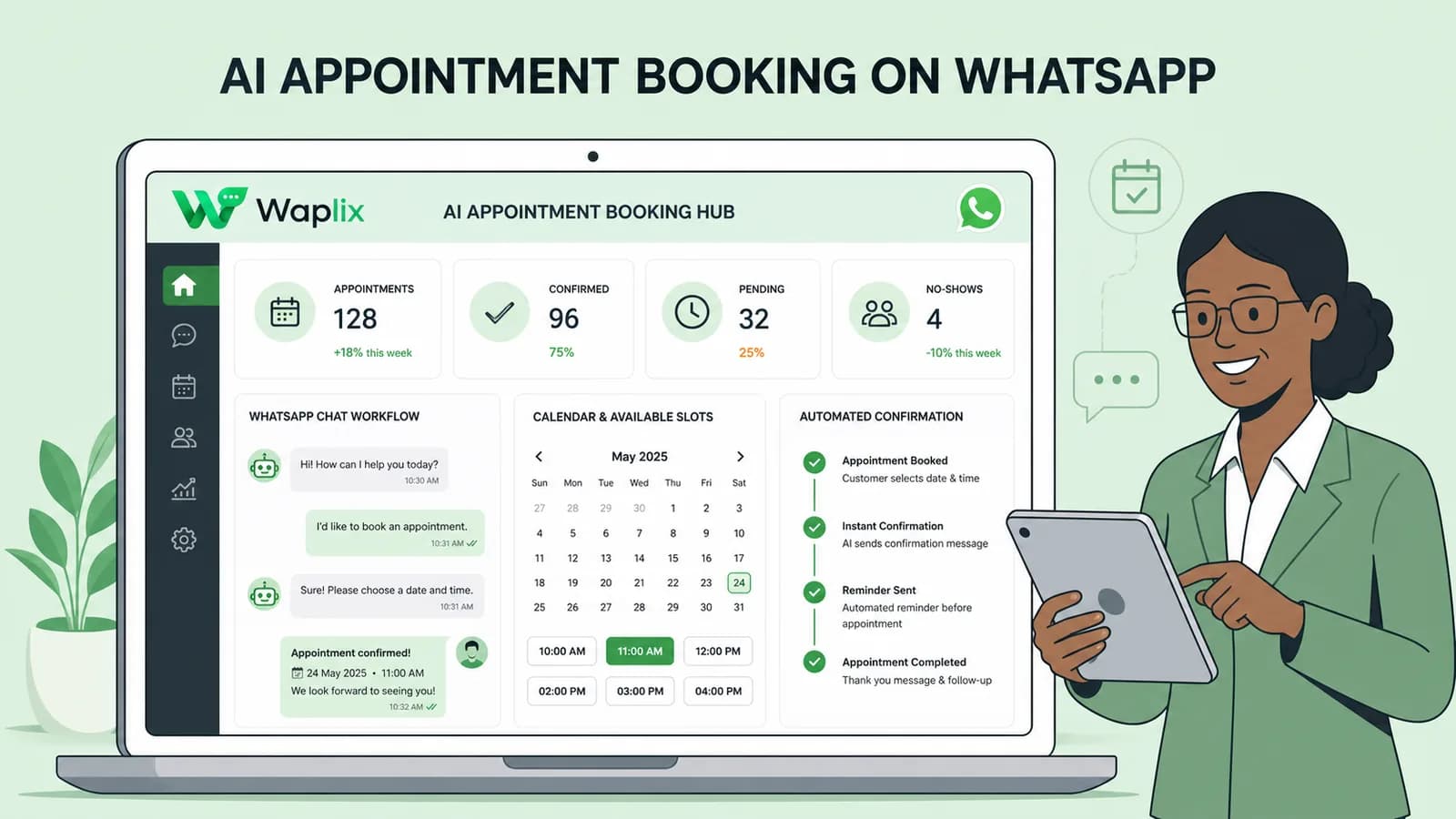
AI Appointment Booking on WhatsApp
AI Agents

AI Appointment Booking on WhatsApp

Learn how to build AI-driven booking systems on WhatsApp, connecting calendar databases to conversational agents, automating updates, and reducing client no-shows.

Read Article
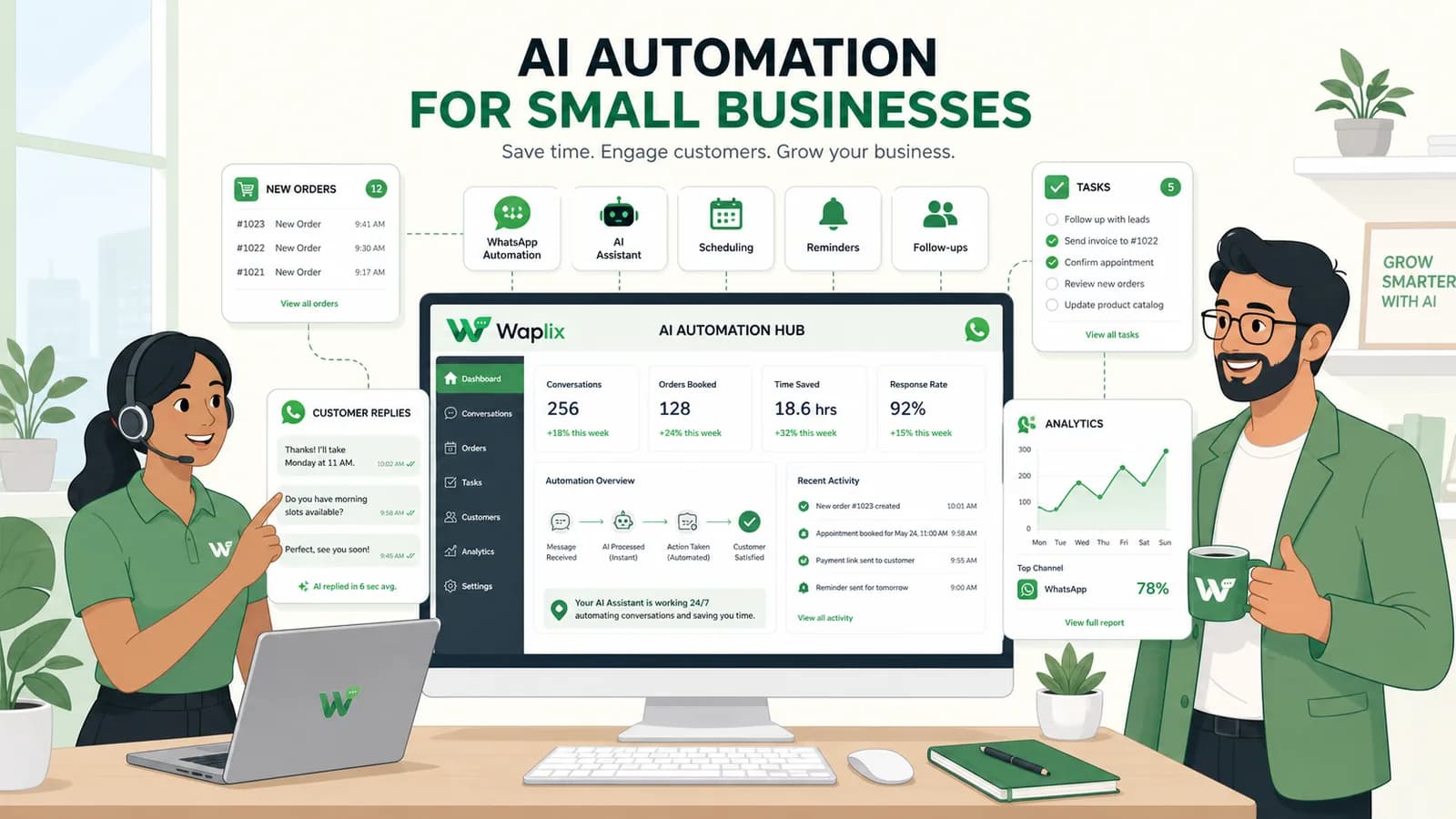
AI Automation for Small Businesses
AI Agents

AI Automation for Small Businesses

Discover practical ways small businesses can leverage no-code AI automation on WhatsApp to manage customer conversations, qualify prospects, and coordinate bookings 24/7.

Read Article
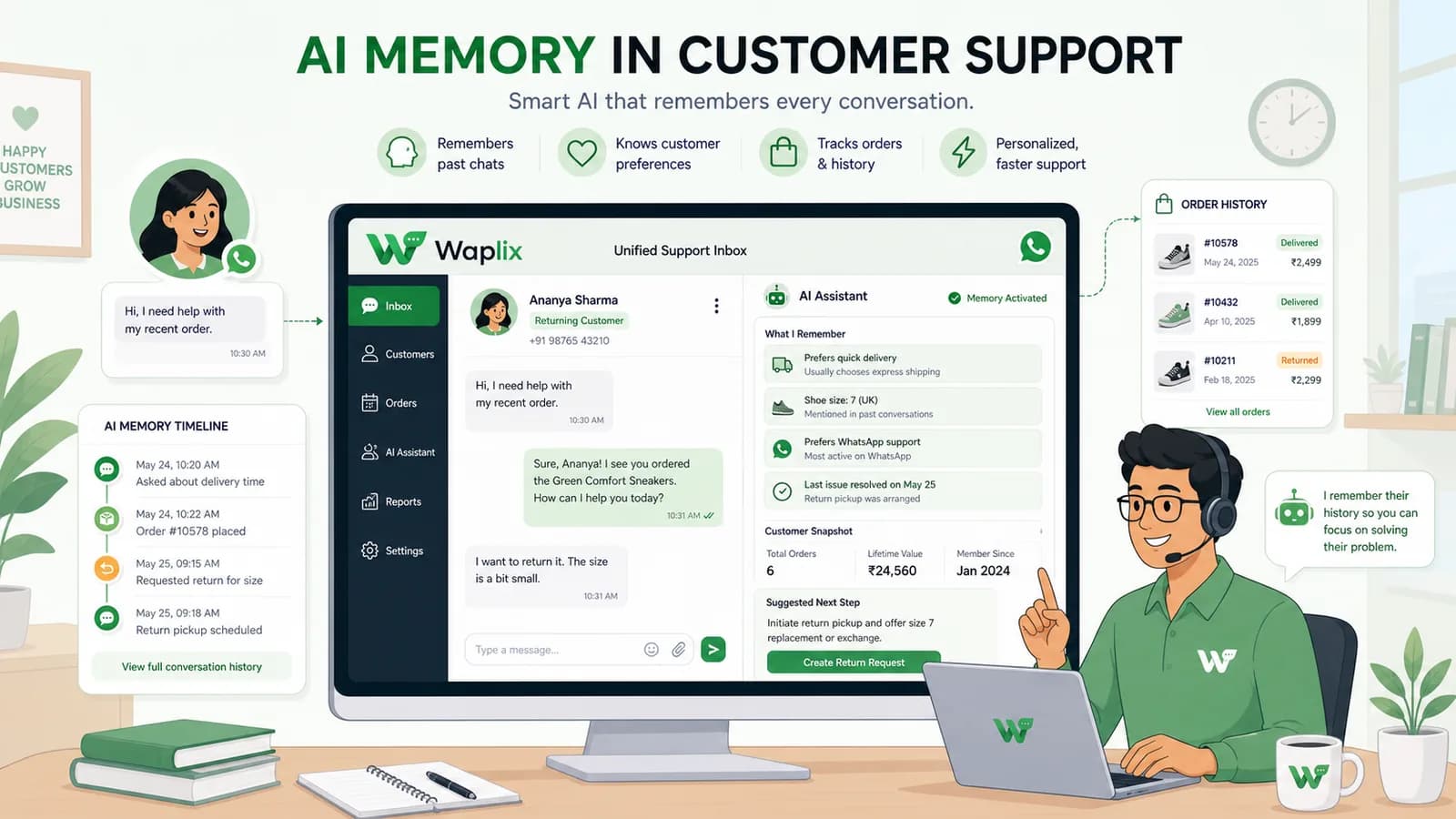
AI Memory in Customer Support
AI Agents

AI Memory in Customer Support

Explore the technology behind AI memory and context retention, learning how session databases personalization results in better, trust-filled client interactions.

Read Article