WhatsApp API Guides

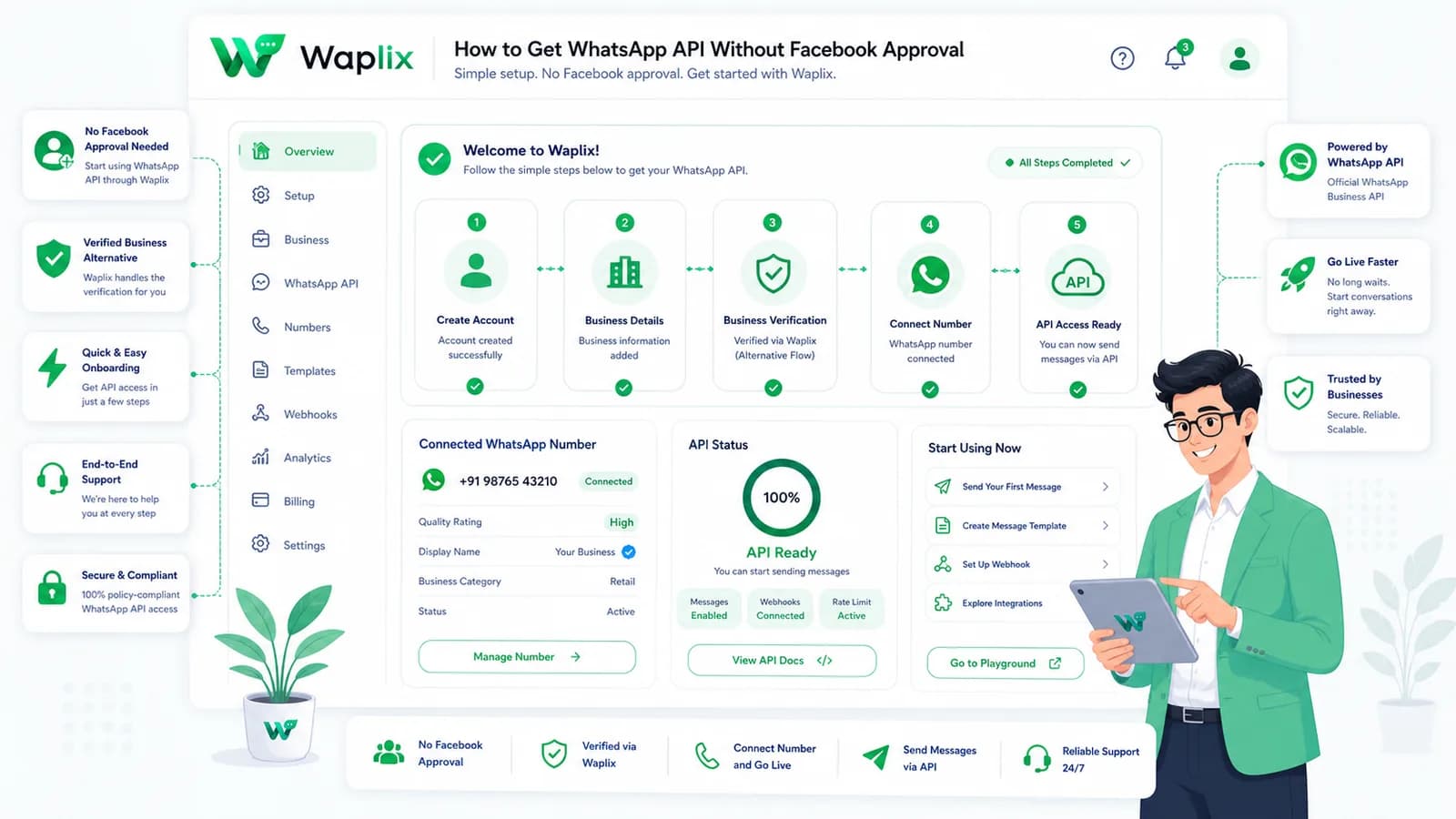
How to Get WhatsApp API Without Facebook Approval

You can often start WhatsApp API work before completing every approval step, but there is a big difference between a legitimate fast start and an unsafe bypass. This guide explains the safe paths, limits, risks, and how Waplix helps turn API access into production workflows.

Aug 6, 2025 12 min read By Waplix Team
Share:
How to Get WhatsApp API Without Facebook Approval

Start WhatsApp API the right way

Many businesses search for how to get WhatsApp API without Facebook approval because they want to launch quickly. They do not want to wait through confusing account setup, business verification, phone number configuration, or platform review before testing customer messaging.

That urgency is understandable. A support team may need a WhatsApp inbox this week. A developer may need webhook testing today. A founder may want to validate order updates before investing in a full messaging stack. The problem is that “without approval” can mean two very different things.

One meaning is legitimate: start with testing tools, limited onboarding paths, or a provider-assisted setup while staying inside WhatsApp and Meta rules. The other meaning is risky: bypass checks, rent questionable numbers, scrape contacts, or send unsolicited bulk messages. This article is about the first path, not the second.

Important: Do not try to evade WhatsApp or Meta policies. Any shortcut that hides identity, ignores consent, abuses numbers, or sends spam can create account, legal, and customer trust problems. A safe fast start is about reducing friction, not avoiding responsibility.

Use Waplix to move from API access to compliant messaging, webhooks, CRM context, campaigns, analytics, and AI-assisted support workflows.

Create your free Waplix account Explore API documentation
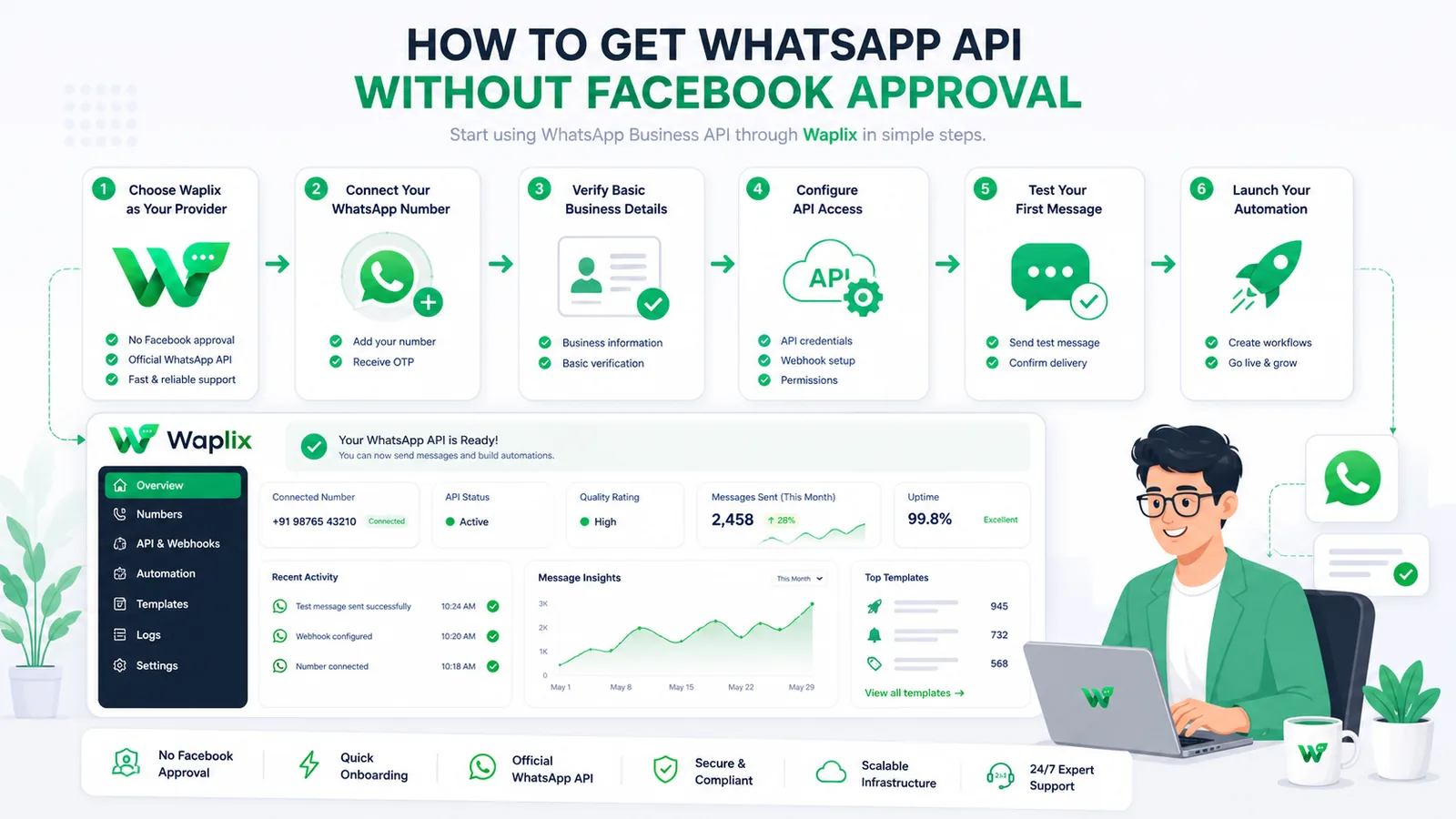
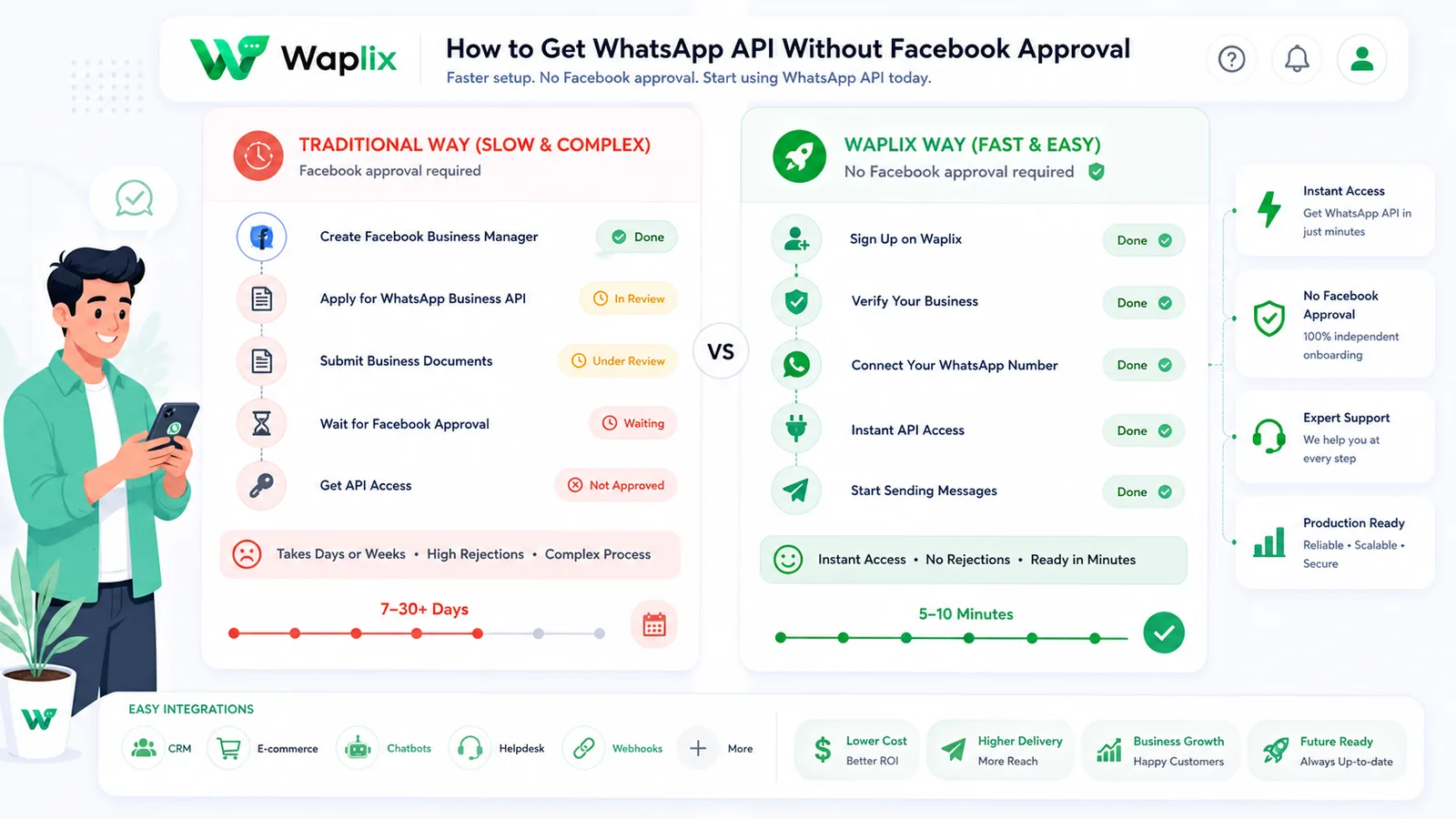
What “without Facebook approval” usually means

Most people are not literally asking to break rules. They are asking whether they can start using WhatsApp API before completing a long business approval process. The answer depends on what you want to do.

Testing a message endpoint, validating a webhook, or building an internal demo is different from running a large customer campaign. A small operational workflow is different from high-volume marketing. A platform-managed setup is different from owning every part of the Meta business configuration yourself.

Legitimate fast-start scenarios

  • You want to test API requests and webhook events before a full production rollout.
  • You need a provider or SaaS platform to simplify setup, dashboards, inboxes, and automation.
  • You want to launch a narrow customer workflow with proper consent and clear limits.
  • You are preparing verification documents but do not want product work to stop.

Unsafe scenarios to avoid

  • Using misleading business identity or borrowed assets to hide ownership.
  • Buying scraped contact lists and sending cold bulk messages.
  • Ignoring opt-outs, complaint signals, or customer consent.
  • Using temporary number tricks that your team cannot operate reliably.

Safe ways to start faster

There are several practical paths for teams that need momentum. The right one depends on whether you are testing, building, launching a limited workflow, or preparing for scale.

PathGood forWhat to watch
Developer testingAPI trials, webhook validation, internal demosDo not confuse test access with production readiness
Provider-assisted setupTeams needing inbox, automation, campaigns, CRM, and analyticsCheck policies, ownership, pricing, support, and export options
Limited production workflowSupport replies, order updates, appointment remindersKeep volume modest, consent clear, and monitoring active
Verified scaleHigh-volume operations, stronger trust, broader campaignsPrepare business information, number ownership, templates, and compliance processes

Approval myths that create risk

The phrase “without approval” attracts bad advice. Some of it sounds convenient, but it can create fragile systems and policy issues. A serious business should avoid anything that makes customer communication harder to trust later.

Better question: Instead of asking “How do I avoid approval?”, ask “What is the fastest compliant path for my first valid use case?”
MythRealityBetter approach
You can skip all checks foreverProduction features, limits, or trust requirements may still need verificationStart small, then prepare for scale
Any number will workPhone ownership and long-term control matterUse a number your business can operate reliably
Bulk sending is the goalUnsolicited messaging damages trust and account healthUse permission-based campaigns only
API access equals a complete systemYou still need inboxes, logs, retries, routing, and reportingUse a platform or build the operations layer carefully

Step-by-step: launch a compliant fast-start workflow

The safest way to move fast is to narrow the first use case. Do not start with every campaign, every agent, and every integration. Start with one workflow that customers expect and your team can monitor.

01

Pick one use case

Choose support replies, order updates, lead follow-up, appointment reminders, or a small opt-in campaign.

02

Confirm consent

Make sure customers know why they are being contacted and how to stop messages where required.

03

Set up API access

Use a legitimate provider or platform path and keep number ownership, credentials, and policies clean.

04

Connect webhooks

Receive inbound replies, message status, and workflow events in your app or dashboard.

05

Add human handover

Give customers a way to reach a person when automation or AI cannot solve the issue.

06

Measure and expand

Track replies, opt-outs, errors, and resolution quality before increasing volume.

Fast but safe: A narrow, monitored workflow can launch faster than a large messaging program and usually teaches your team more.

Developer view: API requests, webhooks, and error handling

Even when onboarding is provider-assisted, developers should understand the basics. Production messaging depends on authentication, request validation, webhook processing, retries, and logs.

Endpoint example

POST /api/v1/messages/send
Authorization: Bearer YOUR_API_KEY
Content-Type: application/json

{
  "to": "+15551234567",
  "type": "text",
  "message": "Your order is confirmed and will be updated here."
}

Webhook event example

{
  "event": "message.status",
  "message_id": "msg_789",
  "status": "delivered",
  "timestamp": "2026-01-01T09:30:00Z"
}

Error response example

{
  "success": false,
  "error": {
    "code": "invalid_recipient",
    "message": "Recipient is not eligible for this message."
  }
}
Authentication note: Keep API keys server-side, rotate credentials when needed, and never expose secrets in frontend code or public screenshots.
Rate limit note: Design queues and retries with care. Retrying too aggressively can create duplicate messages, noisy logs, and poor customer experience.

How Waplix helps with compliant WhatsApp API access

Waplix helps businesses move past the hardest part of WhatsApp API adoption: turning access into a useful operating system. API access is only the beginning. Teams still need message workflows, webhooks, CRM context, campaign controls, AI support handover, analytics, and human-friendly dashboards.

With Waplix, a business can focus on the workflow first. A support team can manage conversations. A developer can integrate endpoints and webhooks. A marketing team can plan permission-based campaigns. An operations team can track quality and reporting.

Waplix dashboard screenshot placeholder

Replace this with a real Waplix dashboard screenshot showing API status, inbox, campaigns, automation, and analytics.

Suggested screenshot: Waplix dashboard showing fast-start WhatsApp API workflow monitoring.

Build WhatsApp workflows without the messy middle

Use Waplix for API messaging, webhook handling, campaign automation, CRM context, AI support workflows, and reporting.

See Waplix features View webhook docs

Common mistakes to avoid

  • Calling a bypass a strategy. If the path depends on hiding identity or ignoring rules, it is not a stable business system.
  • Skipping consent. Customers should expect your messages. Permission-based messaging protects trust and reduces complaints.
  • Launching without webhook logs. When something fails, your team needs event history to debug it quickly.
  • Overpromising AI support. AI quality depends on knowledge base quality and clear human handover.
  • Ignoring local laws. Messaging rules vary by market. Your team should understand privacy, consent, and marketing requirements.

Best practices for safe fast access

Use a real business identity

Keep names, numbers, and customer-facing context consistent so users trust the conversation.

Start with expected messages

Order updates, reminders, and support replies are easier to launch responsibly than broad promotions.

Track opt-outs

Make it easy for users to stop non-essential messages and respect those signals quickly.

Review before scaling

Check logs, complaints, failures, and response quality before increasing volume.

Webhook logs screenshot placeholder

Replace this with real Waplix webhook logs showing message status events, inbound replies, and retry history.

Suggested screenshot: webhook logs and delivery events for a compliant fast-start workflow.

Final recommendation

You may be able to start WhatsApp API work before completing every formal approval step, but the goal should never be to bypass the system. The goal is to start with a legitimate, narrow workflow, learn quickly, and prepare for production scale responsibly.

Use testing and provider-assisted setup to reduce friction. Use consent, logs, webhooks, human handover, and policy-aware messaging to reduce risk. When you need campaigns, CRM context, AI support, and analytics, Waplix gives your team a practical operating layer around the API.

Start building with Waplix

Launch WhatsApp API workflows with a safer path: messaging APIs, webhooks, automation, campaigns, CRM context, and AI support handover.

Create your free Waplix account Talk to Waplix

Frequently Asked Questions

You may be able to start testing or limited workflows without completing every business verification step, depending on the setup path and provider. You should not try to bypass WhatsApp or Meta policies. Production scale, higher limits, templates, and long-term reliability may still require verification or account review.

A provider can simplify onboarding, tooling, webhooks, campaigns, and dashboards, but you should still use a legitimate setup, own or control the number where required, follow policies, and avoid spam or misleading shortcuts.

Testing access is for development and validation. Production access is for real customer messaging and needs stronger controls, consent handling, monitoring, error handling, and compliance with WhatsApp policies and local laws.

Do not treat WhatsApp API as a spam tool. Campaigns should be permission-based, relevant, and compliant. Unsolicited bulk messaging can damage account health and customer trust.

Many official WhatsApp Business Platform flows involve Meta business assets, phone number ownership, and account configuration. A platform or provider may reduce complexity, but it does not make policy responsibilities disappear.

Waplix helps teams move from API access to usable workflows by combining messaging, webhooks, CRM context, campaigns, AI support handover, analytics, and operational tools in one platform.

Related Guides & Insights

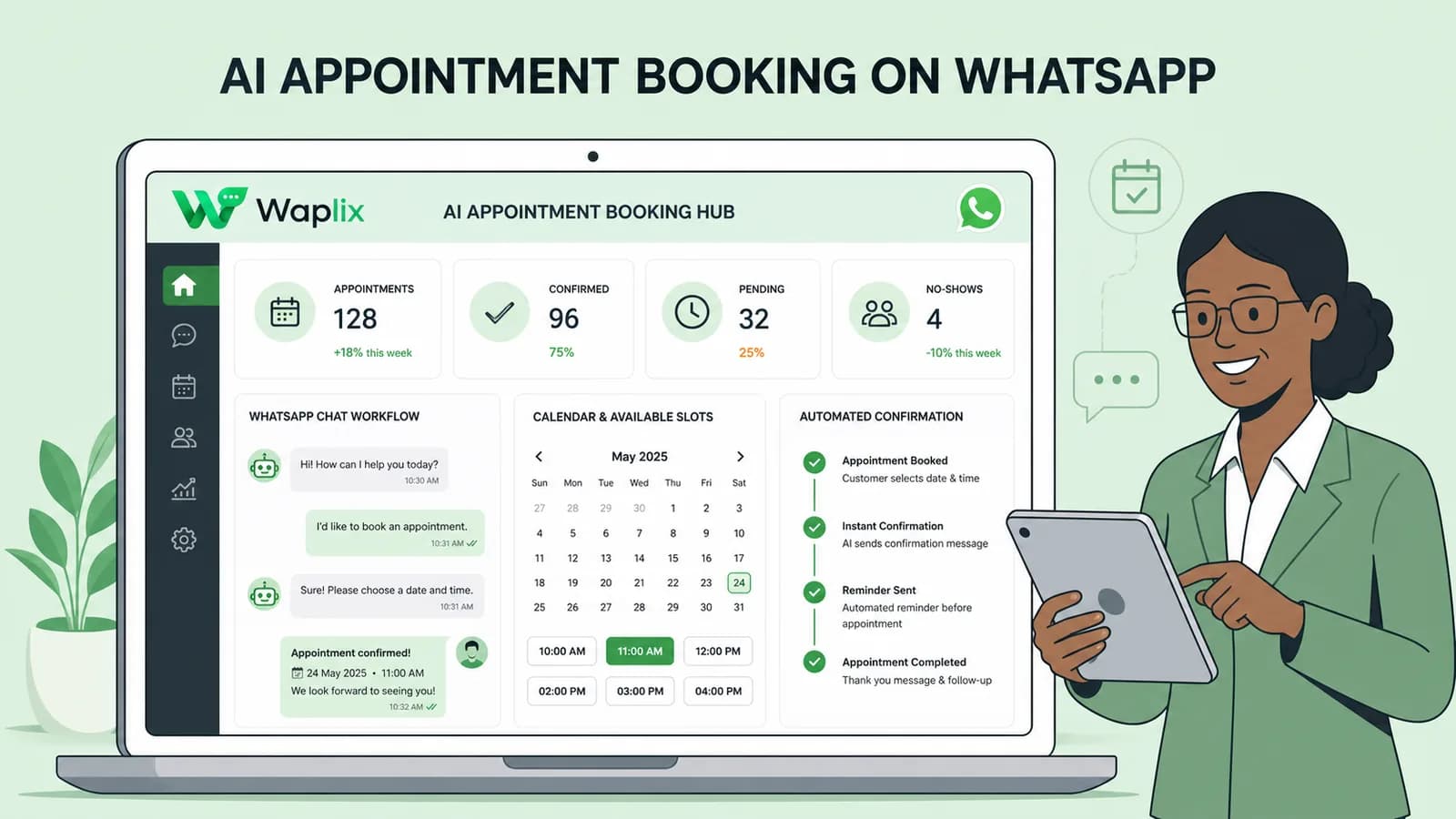
AI Appointment Booking on WhatsApp
AI Agents

AI Appointment Booking on WhatsApp

Learn how to build AI-driven booking systems on WhatsApp, connecting calendar databases to conversational agents, automating updates, and reducing client no-shows.

Read Article
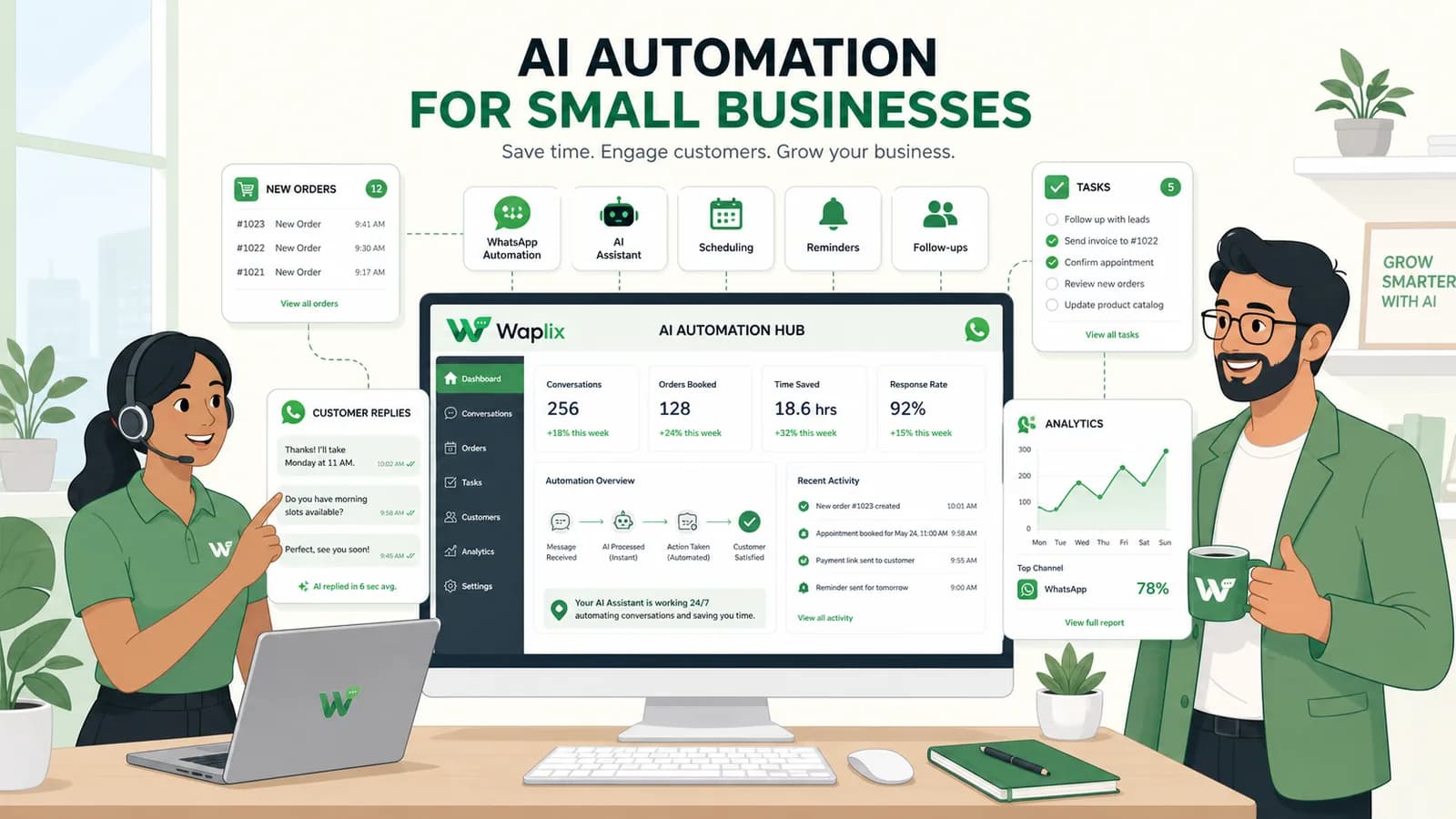
AI Automation for Small Businesses
AI Agents

AI Automation for Small Businesses

Discover practical ways small businesses can leverage no-code AI automation on WhatsApp to manage customer conversations, qualify prospects, and coordinate bookings 24/7.

Read Article
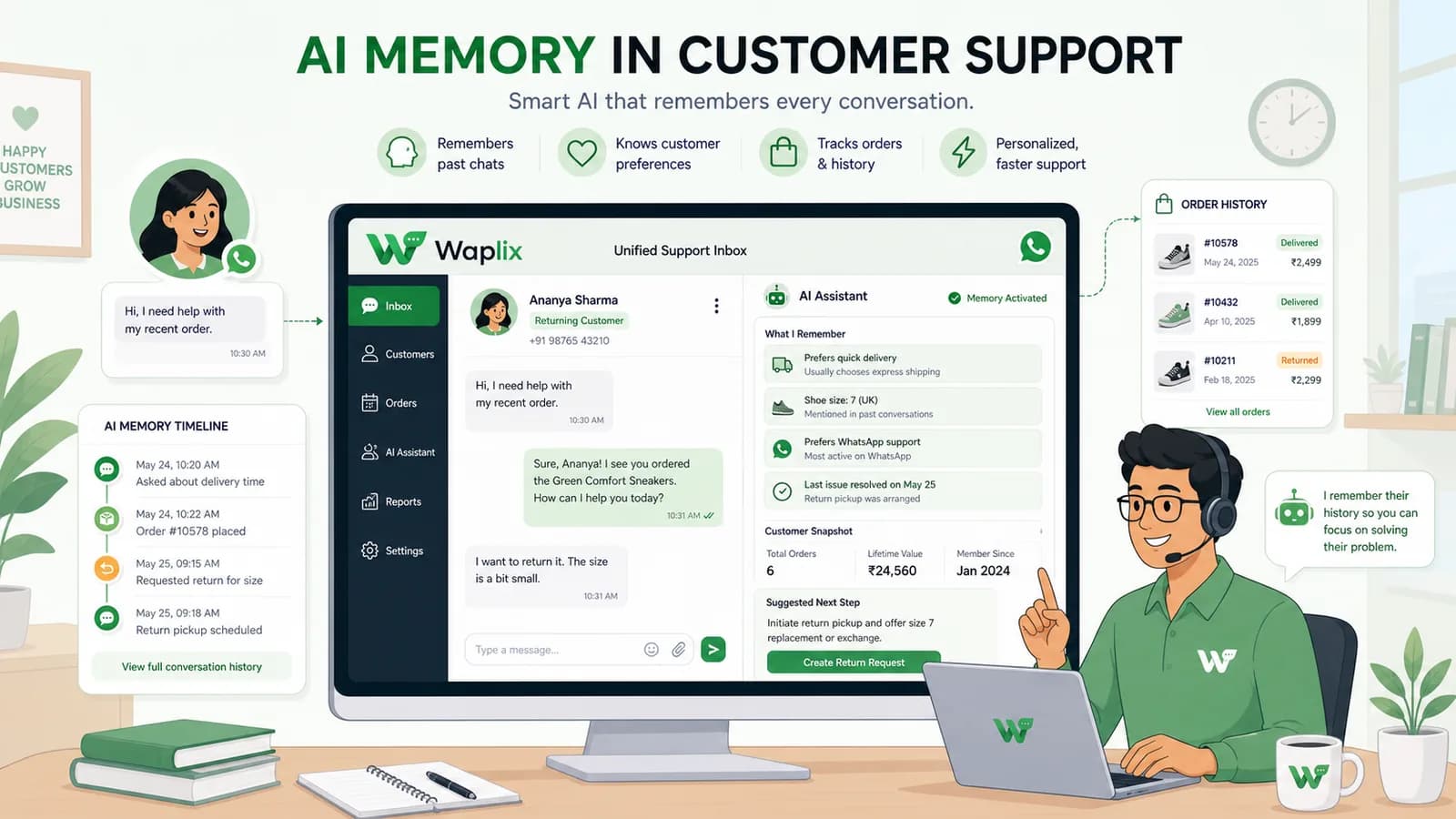
AI Memory in Customer Support
AI Agents

AI Memory in Customer Support

Explore the technology behind AI memory and context retention, learning how session databases personalization results in better, trust-filled client interactions.

Read Article