WhatsApp Marketing

How to Increase Sales Using WhatsApp Marketing

Turn conversational engagement into revenue. Discover actionable strategies for scaling your e-commerce sales using rich promotional broadcasts, interactive templates, flash sales, and targeted upsell flows.

Jun 10, 2026 11 min read By Waplix Team
Share:
How to Increase Sales Using WhatsApp Marketing

Start Boosting Sales Today

In 2026, email open rates continue to slide, and social media ad costs are rising. E-commerce brands are searching for direct-to-consumer channels that yield actual conversions. This search has led many directly to WhatsApp Marketing.

WhatsApp enjoys open rates above 90% and response times measured in minutes rather than hours. However, simply blast-messaging your customer database is not a strategy—it is a recipe for getting your phone number blocked. Successful brands use segmented, context-aware campaigns to drive value.

In this guide, we show you how to structure promotional campaigns, trigger automated cart recovery messages, and implement upsells that increase your store's average order value (AOV).

Top Tip: High-converting campaigns rely on interactive buttons. Avoid asking customers to write long replies; instead, provide quick-select options like "Buy Now" or "Get 20% Off".

Launch interactive broadcasts, abandon cart automation, and segment lists via Waplix.

Start for Free See Key Features
E-commerce Channels: Email vs. SMS vs. WhatsApp

Understanding where WhatsApp fits in your multichannel strategy will help you optimize budgets and yields.

Metric / Feature Email Marketing Standard SMS WhatsApp Marketing
Average Open Rate 15% - 25% 90% - 95% 95% - 98%
Click-Through Rate (CTR) 1% - 3% 5% - 10% 15% - 25%
Rich Media Capabilities High (HTML/CSS) Very Low (Text/Short Links) High (Images, Video, PDFs, Buttons)
Interactive CTA Buttons Yes (HTML Buttons) No Yes (Quick Replies, Link CTAs)
Conversational Threading Threaded (Slow) Unthreaded (Noisy) Two-way Real-time Chat Threads

6 Steps to Boost Sales and Conversions

Implement these foundational tactics to build a high-yielding WhatsApp marketing flow.

01

Opt-in at Checkout

Add a WhatsApp opt-in checkbox to your billing page for transactional and marketing updates.

02

Cart Recovery

Trigger a friendly reminder template 45 minutes after a user abandons their shopping basket.

03

Promotional Drops

Broadcast seasonal deals or product releases to highly engaged client segments.

04

Post-Purchase Upsell

Send an automated package upgrade or accessory bundle discount 24 hours post-delivery.

05

VIP Flash Sales

Give loyal segments early 1-hour access to high-demand restocks via exclusive WhatsApp links.

06

Direct Checkout Links

Embed personalized parameters in CTA links so the cart is pre-loaded on click.

Developer Integration: Triggering Cart Abandonment Alerts

Developers can integrate their checkout system with Waplix using our webhook or REST API to fire recovery templates dynamically.

Endpoint

POST /api/v1/messages/send
Authorization: Bearer YOUR_API_TOKEN
Content-Type: application/json

{
  "to": "+15550192837",
  "type": "template",
  "template": {
    "name": "cart_abandoned_offer",
    "language": "en",
    "components": [
      {
        "type": "body",
        "parameters": [
          { "type": "text", "text": "Sophia" },
          { "type": "text", "text": "Wireless Earbuds" }
        ]
      },
      {
        "type": "button",
        "index": "0",
        "sub_type": "url",
        "parameters": [
          { "type": "text", "text": "cart?token=sop551a" }
        ]
      }
    ]
  }
}

Response Example

{
  "success": true,
  "message_id": "msg_992182",
  "status": "delivered",
  "timestamp": "2026-07-06T18:15:30Z"
}

Webhook Event Callback

{
  "event": "message.click",
  "message_id": "msg_992182",
  "to": "+15550192837",
  "button_index": "0",
  "timestamp": "2026-07-06T18:16:12Z"
}

Compliance and Brand Quality

Meta strictly monitors conversion rates, opt-outs, and block signals. Spamming is the fastest way to get your account restricted.

Important: Keep your templates conversational. Avoid excessive capitalization or terms like "URGENT!!!", which will cause template rejections during the Meta approval phase.
  • Strictly respect opt-out requests. Remove unsubscribes from marketing lists immediately.
  • Avoid sending multiple promotional campaigns in a single week to prevent user fatigue.
  • Always use a verified WhatsApp Business Account (WABA) displaying your official brand logo.
  • Sync customer service hours so users know when a live agent is available to assist with checkout issues.

E-commerce Sales Dashboard

Explore the campaign management system within Waplix.

Waplix E-commerce Integration Canvas

Visual mapping linking shop systems (Shopify/WooCommerce) to campaign triggers and dynamic promo sends.

Suggested screenshot: Shopify flow trigger firing 'cart_abandoned_offer' template to segmented buyers.
Waplix Campaign Analytics & ROI Dashboard

Real-time graphs logging delivery rates, click-through rates, checkouts, and total campaign revenue.

Suggested screenshot: campaign analytics screen showing 24% click-through rate and revenue conversions.

Unlock Higher Conversion Rates

Leveraging WhatsApp Marketing allows you to meet your customers where they already spend their time. By combining checkout checkbox opt-ins, smart cart recovery templates, interactive link buttons, and upsell flows, you can drive substantial store revenue.

Scale Your Sales Channels Globally

Utilize robust campaign triggers, CRM integrations, interactive builders, and transparent reporting systems.

Get Started Free View Platform Plans

Related Guides & Insights

AI Appointment Booking on WhatsApp
AI Agents

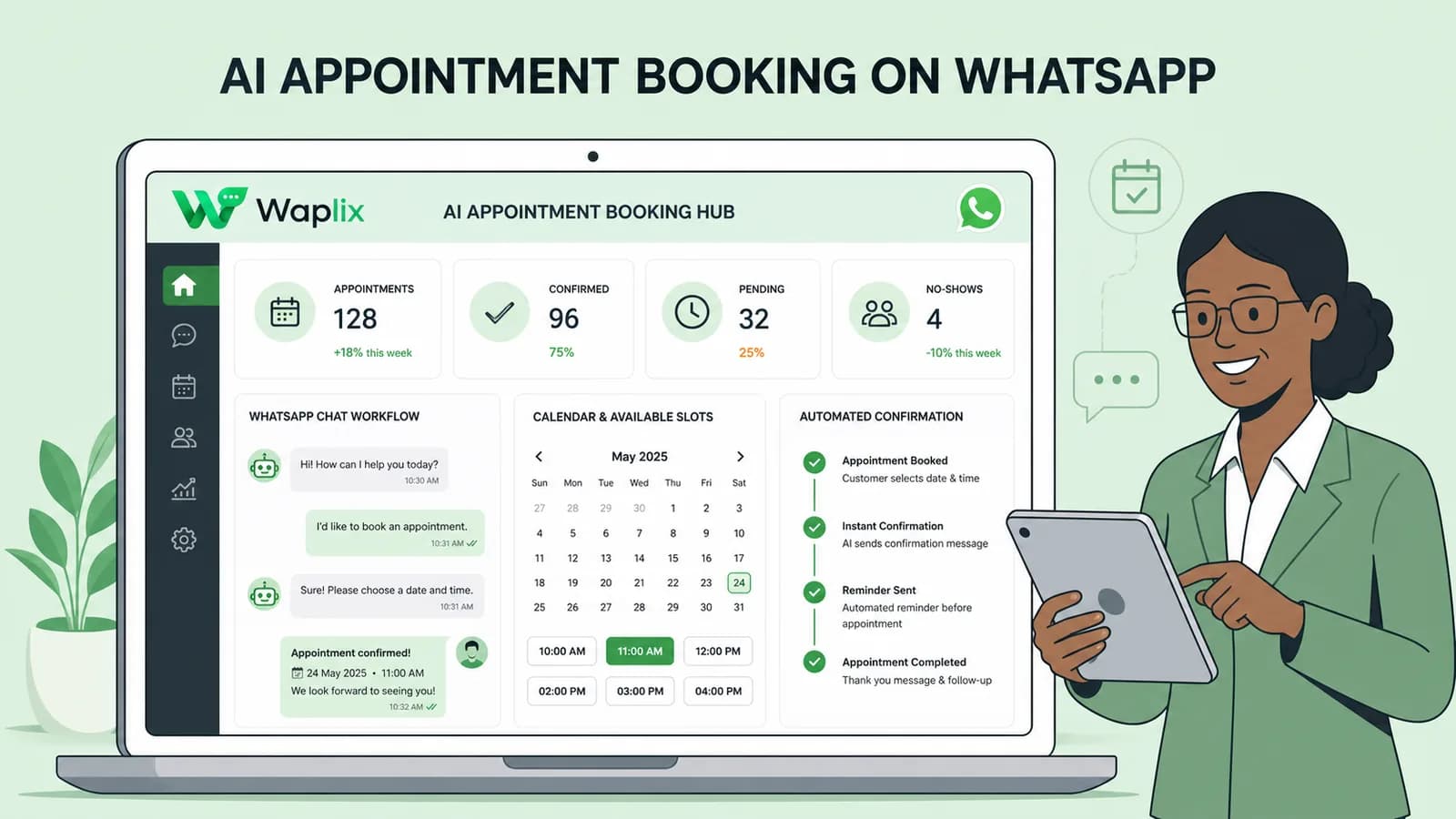
AI Appointment Booking on WhatsApp

Learn how to build AI-driven booking systems on WhatsApp, connecting calendar databases to conversational agents, automating updates, and reducing client no-shows.

Read Article
AI Automation for Small Businesses
AI Agents

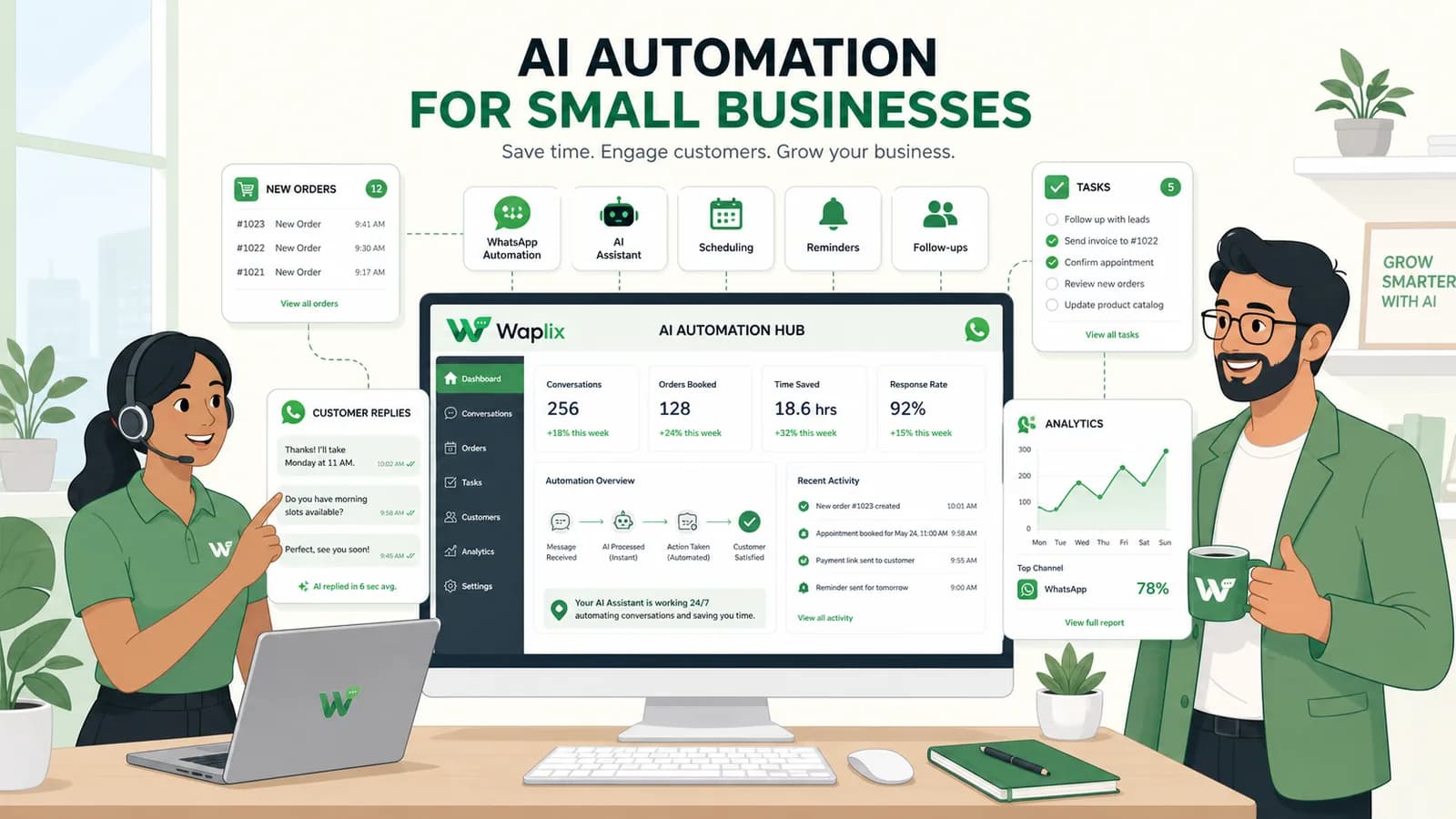
AI Automation for Small Businesses

Discover practical ways small businesses can leverage no-code AI automation on WhatsApp to manage customer conversations, qualify prospects, and coordinate bookings 24/7.

Read Article
AI Memory in Customer Support
AI Agents

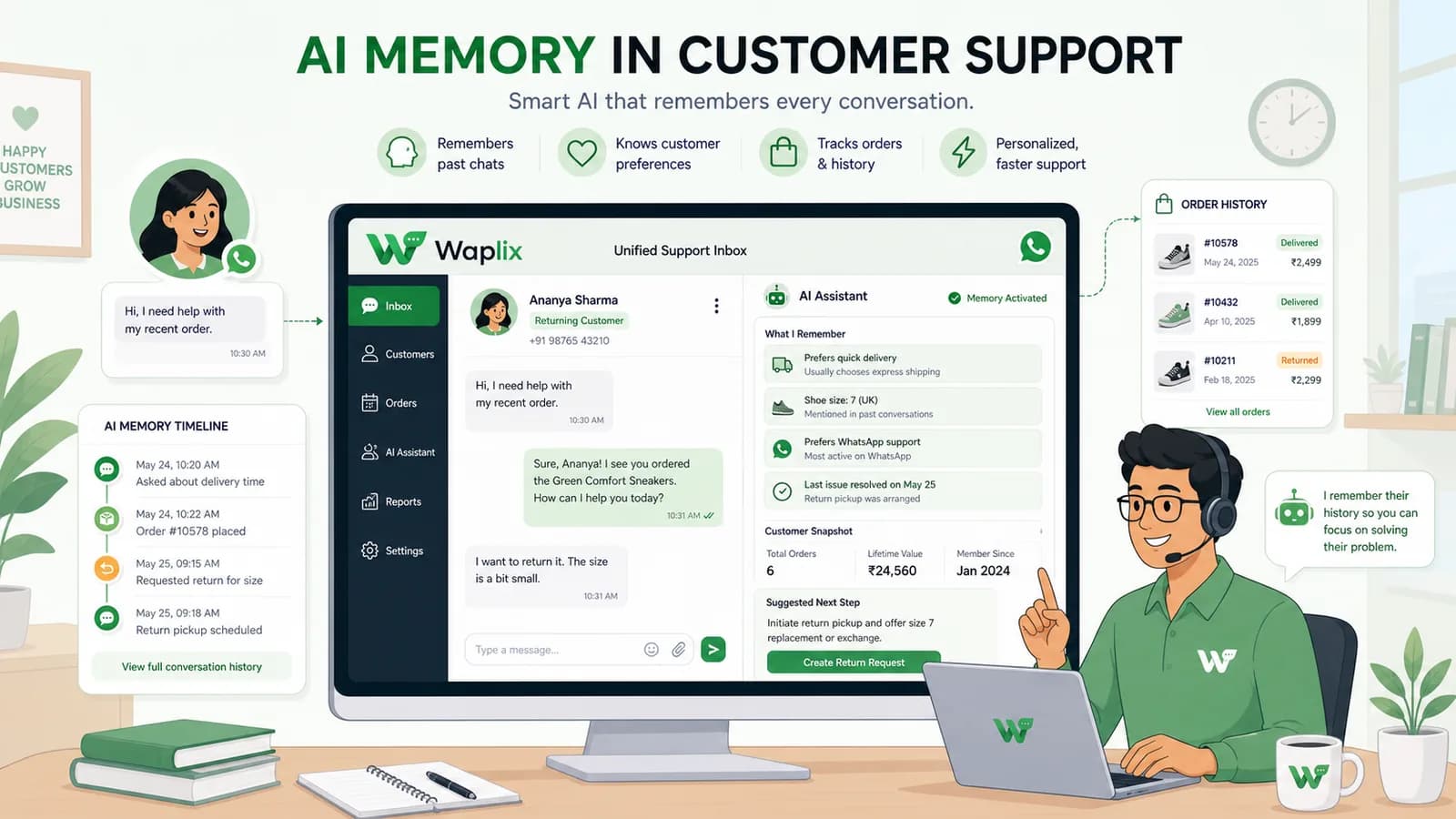
AI Memory in Customer Support

Explore the technology behind AI memory and context retention, learning how session databases personalization results in better, trust-filled client interactions.

Read Article