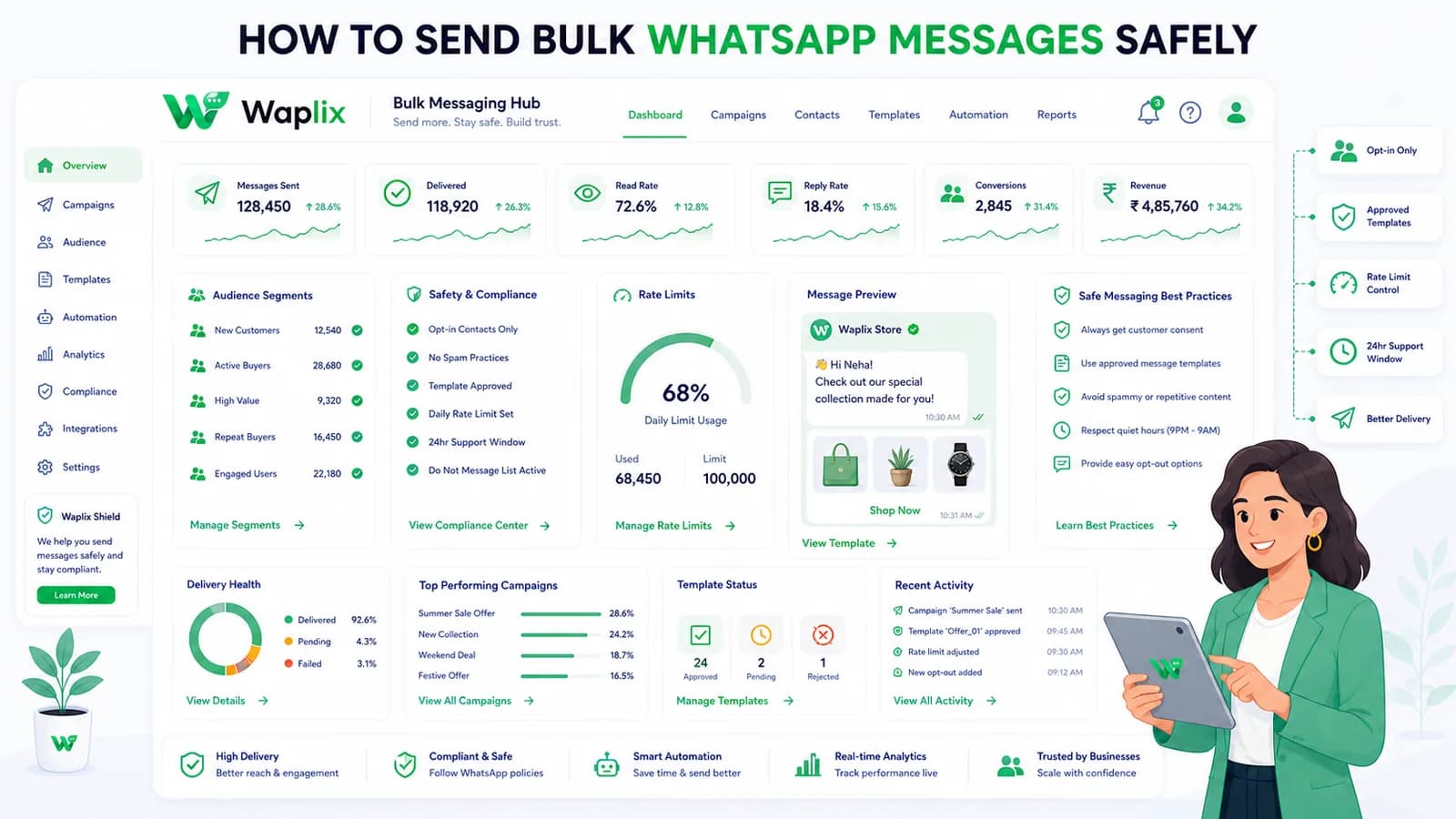
WhatsApp Marketing

How to Send Bulk WhatsApp Messages Safely

Bulk WhatsApp messaging can drive strong engagement when customers expect your messages. This guide shows how to send at scale without spam, policy risk, or broken support operations—using consent, templates, segmentation, monitoring, and sensible campaign design.

Aug 21, 2025 14 min read By Waplix Team
Share:
How to Send Bulk WhatsApp Messages Safely

Automate WhatsApp communication with Waplix

Many teams discover WhatsApp the same way: one campaign works well manually, so someone asks, “Can we just send this to everyone?” That is usually the moment bulk messaging becomes dangerous.

Bulk WhatsApp messaging is not the same as blasting a list from a personal phone. Business messaging has rules, templates, consent requirements, reply volume, opt-outs, and support consequences. Done well, it can be one of your strongest channels. Done poorly, it damages trust fast.

This guide explains how to send bulk WhatsApp messages safely in 2026—without encouraging spam, without pretending compliance is optional, and without ignoring the support workload that follows every campaign.

Quick answer: Safe bulk WhatsApp messaging means permission-based audiences, approved templates, relevant content, controlled send pacing, opt-out handling, and a plan for replies. Volume is the last step—not the first.

Run permission-based campaigns with templates, segmentation, webhooks, inbox handover, and reporting from one platform.

Create your free Waplix account Explore campaign documentation
What bulk WhatsApp messaging actually means

Bulk messaging usually refers to sending the same or similar business message to many opted-in contacts through WhatsApp API infrastructure rather than one-by-one manual replies. Typical examples include promotional offers to loyalty members, event reminders, restock alerts, onboarding sequences, and segmented follow-ups after a purchase.

It does not mean messaging every number you can find. It does not mean importing a cold list and hoping for the best. In business messaging, “bulk” still requires individual-level consent and message relevance.

Key takeaway

Bulk WhatsApp messaging is a campaign operation, not a shortcut. You are building a repeatable system for consent, content, delivery, replies, and measurement.

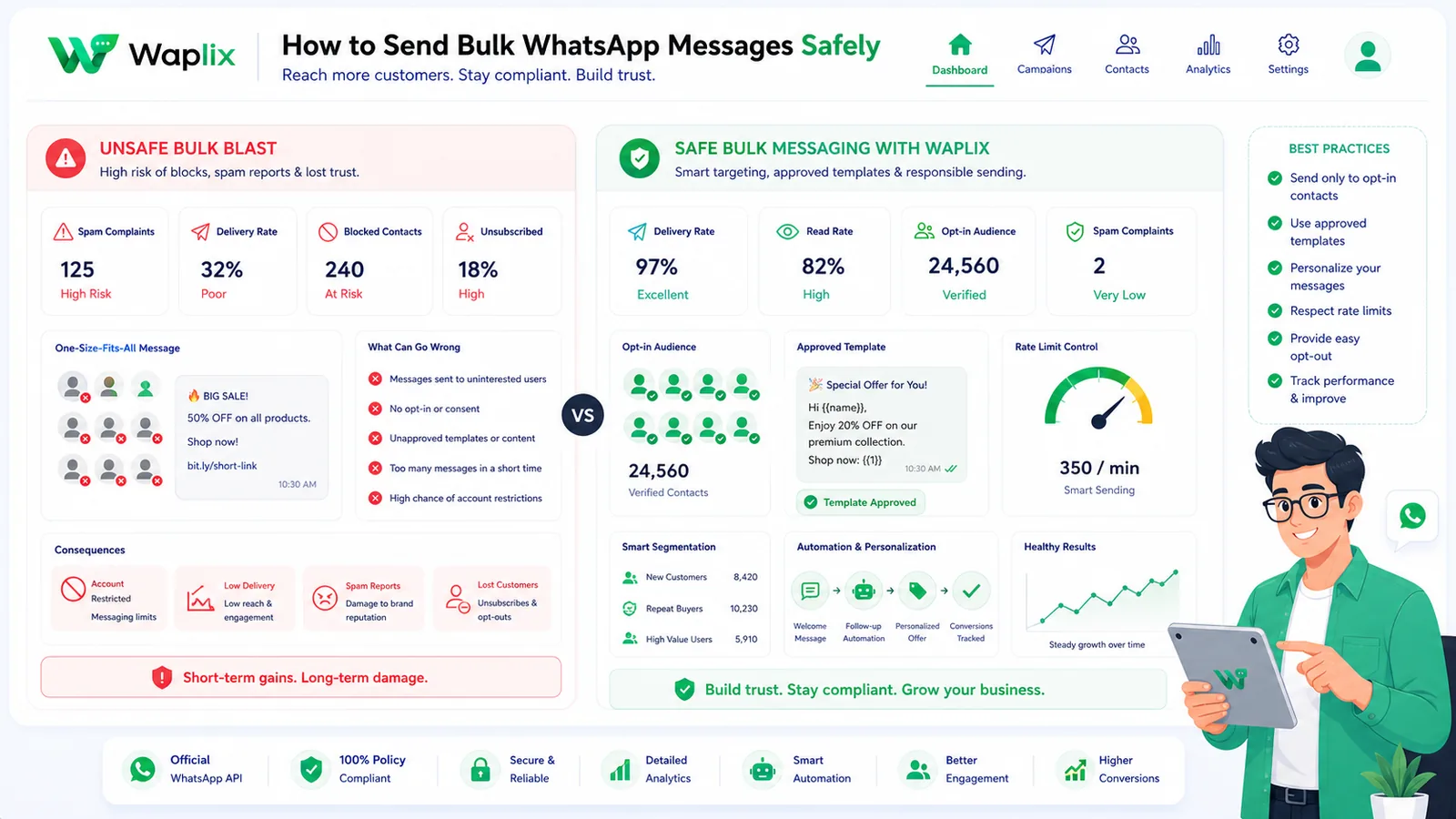
Safe bulk messaging vs risky bulk messaging

Teams get into trouble when they copy SMS blast habits onto WhatsApp. The channel is more personal, more regulated, and more sensitive to irrelevant messages.

AreaSafe approachRisky approach
AudienceOpted-in customers who expect your messagesPurchased, scraped, or outdated lists
ContentApproved templates with clear valueGeneric promotions with no context
FrequencyPlanned cadence based on engagementDaily blasts until replies drop
Opt-outVisible and immediateHidden, ignored, or delayed
SupportInbox staffed for replies and complaintsNo plan for post-send conversations
MeasurementOpt-outs, complaints, conversion qualitySend count only
Policy reminder: WhatsApp business messaging is permission-based. Do not use bulk sends to contact people who did not agree to hear from your business on WhatsApp.

Requirements before you send in bulk

Before launching a large campaign, confirm the operational basics. Missing any one of these can turn a “successful send” into a support and compliance problem.

Valid opt-in

Customers should know they will receive WhatsApp messages from your business and what type of content to expect.

Approved template

Campaign-style outbound messages usually require a template with the right category and approved content.

Clean audience data

Remove duplicates, invalid numbers, suppressed contacts, and recent opt-outs before sending.

Reply handling

Plan who answers customer replies, how handover works, and how complaints are escalated.

Consent examples that are clearer for customers

  • Checkout checkbox for order updates and offers on WhatsApp
  • Sign-up form field with explicit WhatsApp marketing consent
  • Keyword opt-in after a QR code or landing page CTA
  • Existing customer relationship where WhatsApp updates were clearly offered

Store consent details: source, date, language, and message type. That record helps when customers ask why they received a message or when your team audits campaign practices.

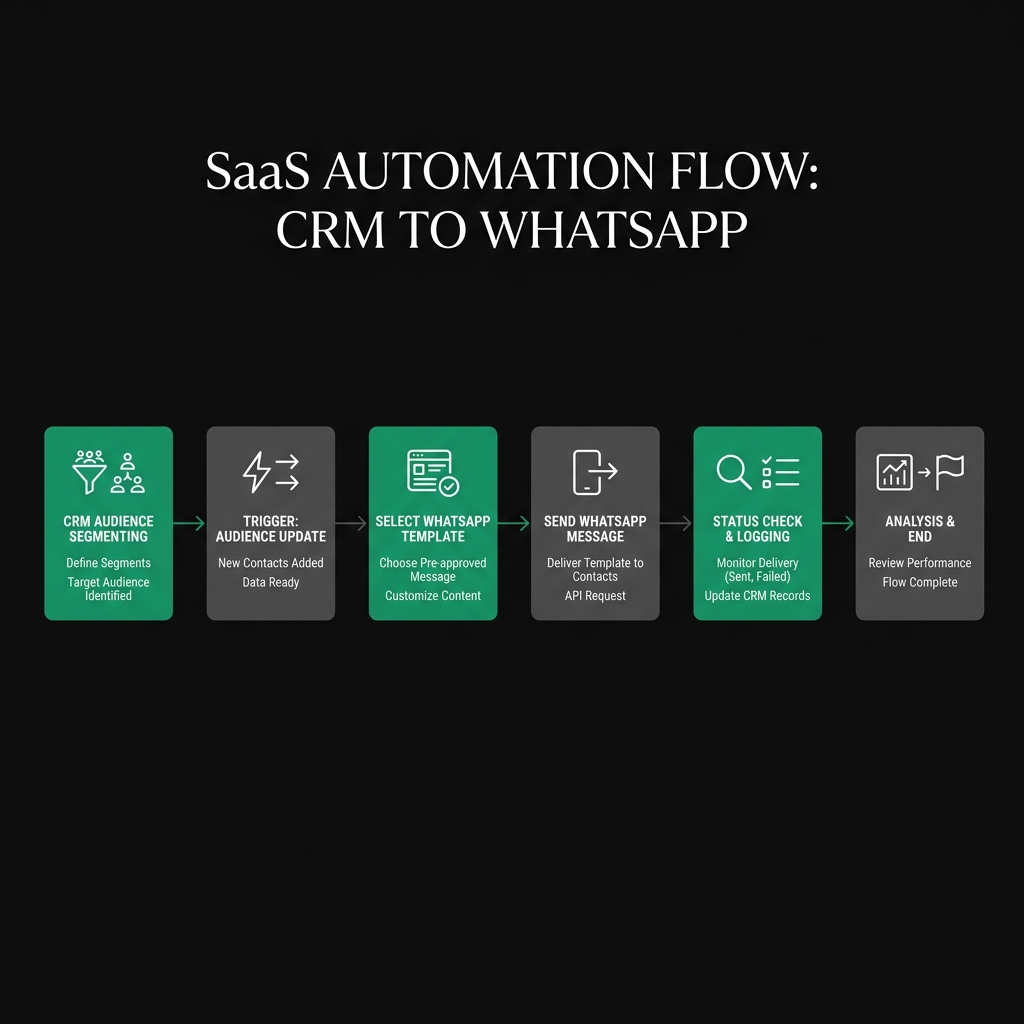
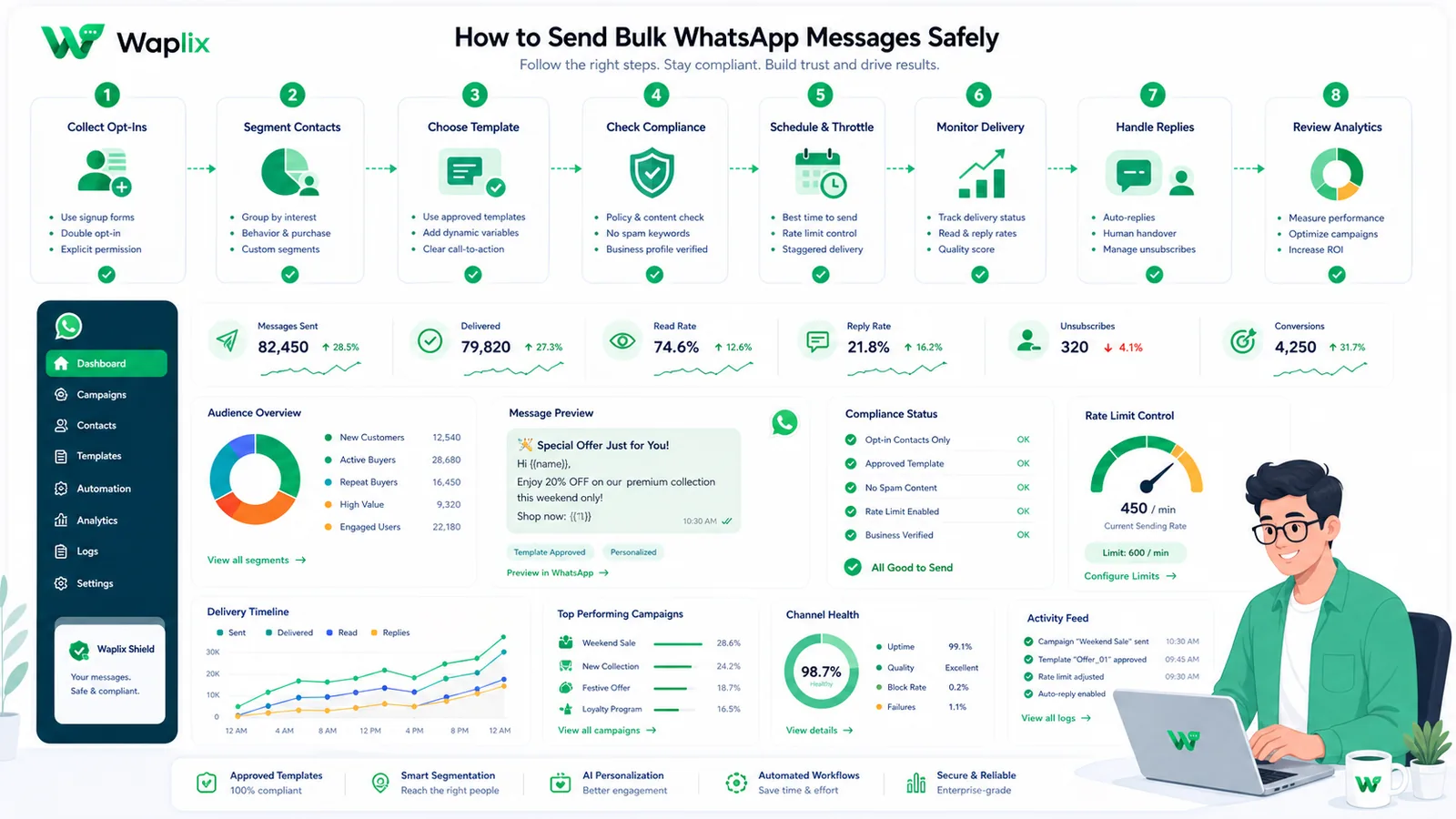
The safe bulk messaging workflow

A reliable campaign workflow looks boring on paper—and that is a good sign. Predictability protects customers and your sending reputation.

01

Define the goal

Is this campaign for retention, reactivation, event reminders, or product updates? One goal keeps the message focused.

02

Build the audience

Segment opted-in contacts by behavior, location, product interest, or lifecycle stage.

03

Prepare the template

Draft concise copy, choose the right template category, and submit for approval early.

04

Test small

Send to a small control group, review delivery, replies, and opt-outs before scaling.

05

Send with controls

Use pacing, scheduling, and monitoring instead of dumping the full list at once.

06

Handle replies

Route responses to inbox agents or automation with human handover for complex cases.

Segmentation makes bulk messaging safer and more effective

The safest bulk message is the one a customer actually finds useful. Segmentation reduces irrelevant sends, which reduces opt-outs and complaints.

Segment typeExampleWhy it helps
Purchase historyRepeat buyers vs first-time customersMessage matches customer stage
LocationCity-specific event or store offerAvoids irrelevant regional promotions
EngagementActive subscribers vs dormant contactsPrevents fatigue among low-interest users
Consent typeTransactional-only vs marketing opt-inProtects compliance boundaries
Support statusOpen ticket vs recently resolved caseReduces frustrating overlap
Tip: A smaller, well-segmented campaign often outperforms a massive generic blast with fewer complaints and better reply quality.

Developer view: sending a campaign message safely

Developers usually send bulk campaign messages through approved templates rather than free-form text. Below is a simplified API example for a template-based send.

Endpoint example

POST /api/v1/messages/send
Authorization: Bearer YOUR_API_KEY
Content-Type: application/json

{
  "to": "+15551234567",
  "type": "template",
  "template": {
    "name": "spring_offer_optin",
    "language": "en",
    "components": [
      {
        "type": "body",
        "parameters": [
          { "type": "text", "text": "Ayesha" },
          { "type": "text", "text": "20%" }
        ]
      }
    ]
  }
}

JSON response example

{
  "success": true,
  "message_id": "msg_552901",
  "status": "queued",
  "channel": "whatsapp"
}

Webhook example

{
  "event": "message.failed",
  "message_id": "msg_552901",
  "to": "+15551234567",
  "error_code": "template_rejected",
  "timestamp": "2026-07-06T10:30:00Z"
}
Authentication note: Keep API keys in secure server-side storage. Bulk campaign systems should log failures, retries, and opt-out events—not expose credentials in client apps or campaign spreadsheets.

Also plan for rate limits, duplicate suppression, invalid numbers, and webhook retries. Bulk sending without error handling creates silent data loss. See the API documentation and webhook documentation for production patterns.

Timing, pacing, and send volume

Even with a valid audience, sending too much too fast can hurt performance. Start conservatively, especially on a new number or new template.

  • Warm up gradually. Increase volume in stages while monitoring replies and opt-outs.
  • Respect time zones. Schedule sends during reasonable local hours for your audience.
  • Avoid duplicate sends. Deduplicate contacts and suppress recent recipients when appropriate.
  • Pause on error spikes. If failures or complaints jump, stop and investigate before continuing.
Best practice: Treat the first bulk campaign as a learning run. Optimize for reply quality and opt-out rate, not maximum send count.

See Waplix features

Launch permission-based WhatsApp campaigns with segmentation, template workflows, inbox handover, and campaign reporting.

See Waplix features View Waplix pricing

How Waplix supports safe bulk WhatsApp campaigns

Waplix helps marketing and operations teams run WhatsApp campaigns without treating bulk messaging like a blind broadcast. You can manage template-based sends, audience segmentation, webhook-driven delivery updates, CRM context, shared inbox replies, and post-campaign analysis from one platform.

That matters because bulk messaging does not end when the send finishes. Customers reply. Some opt out. Some need support. Some convert. Waplix is designed for that full cycle—not just the outgoing message.

Waplix campaign builder screenshot placeholder

Replace this with a real Waplix campaign builder screenshot showing audience, template, and send controls.

Suggested screenshot: campaign builder with segmented audience and approved template selection.
Campaign analytics screenshot placeholder

Replace this with a real Waplix campaign analytics screenshot showing delivery, replies, and opt-outs.

Suggested screenshot: campaign reporting dashboard with delivery status and reply metrics.
Chat inbox screenshot placeholder

Replace this with a real Waplix shared inbox screenshot showing post-campaign reply handling.

Suggested screenshot: shared inbox handling replies after a bulk campaign send.

Learn more in the campaign documentation, message documentation, and AI agent documentation for automated triage with human handover.

Common mistakes to avoid

  • Using cold contact lists. No consent means high risk and poor customer experience.
  • Ignoring template rules. Unapproved or miscategorized templates can block sends.
  • Sending before support is ready. Campaigns create conversations your team must handle.
  • Hiding opt-outs. Make stopping messages easy and immediate.
  • Measuring only delivery count. Complaints and opt-outs are equally important metrics.
  • Scaling too fast. Large sudden volume increases can expose data and process weaknesses.

Best practices for long-term safe bulk messaging

Refresh consent records

Review how audiences opted in and remove stale or unclear consent sources.

Keep messages useful

Every campaign should answer: why should this customer care right now?

Monitor opt-out trends

Rising opt-outs often signal relevance or frequency problems.

Coordinate with support

Share campaign timing and expected reply themes with your inbox team.

Final recommendation

Bulk WhatsApp messaging can be a high-trust channel when customers expect your messages and your team is ready to handle the response. Safety comes from consent, template discipline, segmentation, pacing, opt-out respect, and reply operations—not from finding a bigger contact list.

Start small, measure honestly, and scale only when delivery quality, reply handling, and opt-out rates remain healthy. That is how sustainable WhatsApp marketing is built.

Start building with Waplix

Launch compliant WhatsApp campaigns with templates, segmentation, webhooks, inbox handover, and reporting your team can operate confidently.

Create your free Waplix account Talk to Waplix

Frequently Asked Questions

Bulk WhatsApp messaging can be legal when customers have clearly opted in, messages are relevant, opt-outs are honored, and your process follows WhatsApp policies plus applicable local laws such as marketing and privacy regulations. Laws vary by country, so treat compliance as an operational requirement—not an afterthought.

No. Sending bulk messages to people who did not expect contact from your business is risky, harmful to brand trust, and likely to violate WhatsApp rules. Build and document consent before scaling any campaign.

In most business messaging setups, outbound campaign-style messages outside an active customer service window require approved message templates. Template category, content, and approval status affect whether a bulk send can proceed.

Start with a small opted-in audience, one approved template, clear opt-out language, a support handover plan, and delivery monitoring. Test with hundreds of contacts before scaling to thousands. Measure opt-outs and replies, not only send volume.

That is one of the riskiest approaches. Purchased or scraped lists usually lack valid consent and often lead to complaints, blocks, poor delivery quality, and account restrictions. Build your audience from real customer relationships instead.

Waplix helps teams run permission-based WhatsApp campaigns with template workflows, audience segmentation, API and webhook integration, CRM context, delivery reporting, shared inbox handover, and operational controls so replies and opt-outs are handled properly after a bulk send.

Track delivery status, read/reply rates, opt-outs, support volume, complaints, conversion quality, and template performance. A campaign that sends successfully but creates angry replies is not a safe or successful campaign.

No platform can guarantee delivery to every number. Delivery depends on consent quality, template approval, number validity, customer blocks, policy compliance, rate limits, and platform rules. Design for monitoring and recovery, not perfect delivery.

Related Guides & Insights

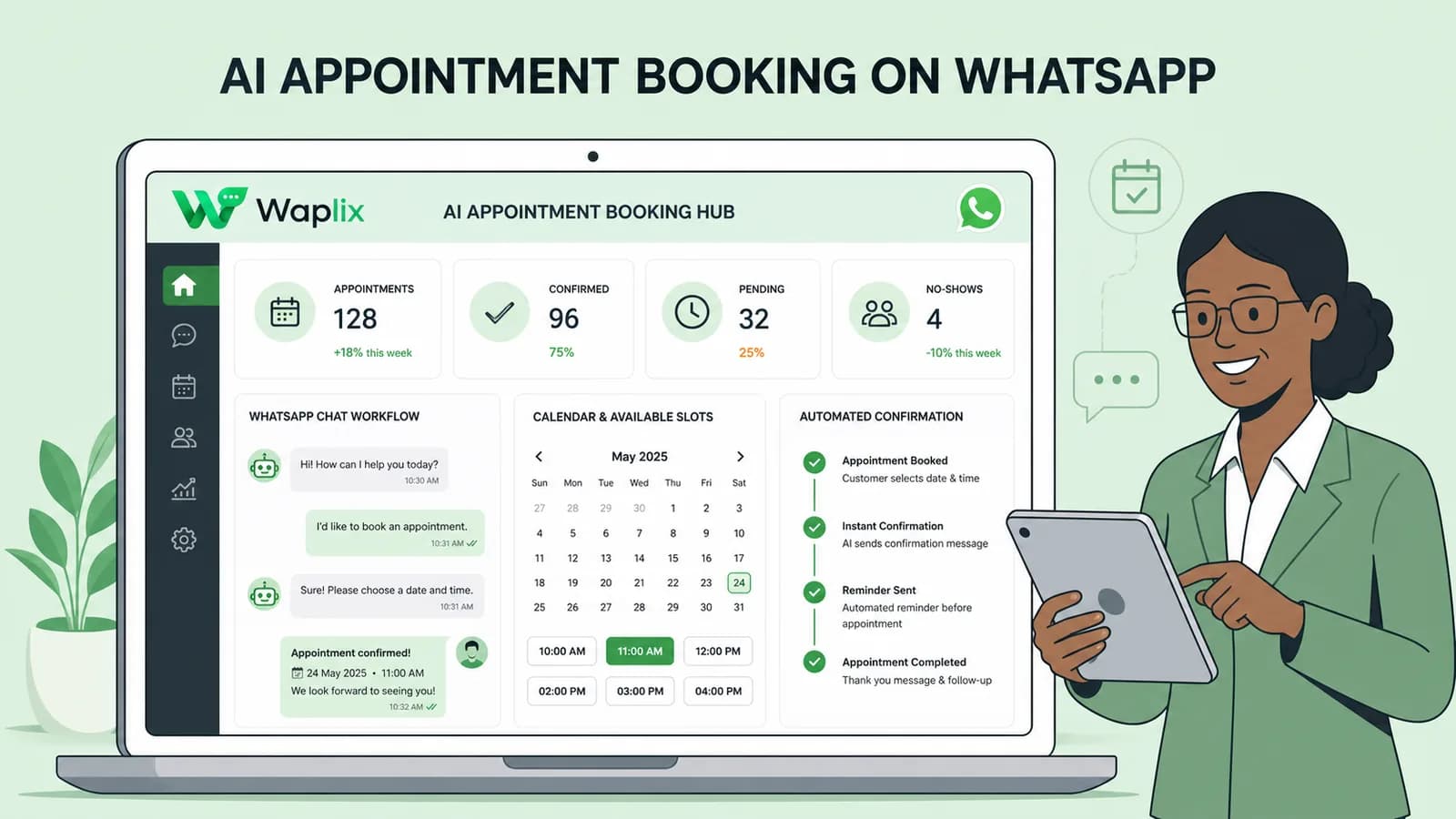
AI Appointment Booking on WhatsApp
AI Agents

AI Appointment Booking on WhatsApp

Learn how to build AI-driven booking systems on WhatsApp, connecting calendar databases to conversational agents, automating updates, and reducing client no-shows.

Read Article
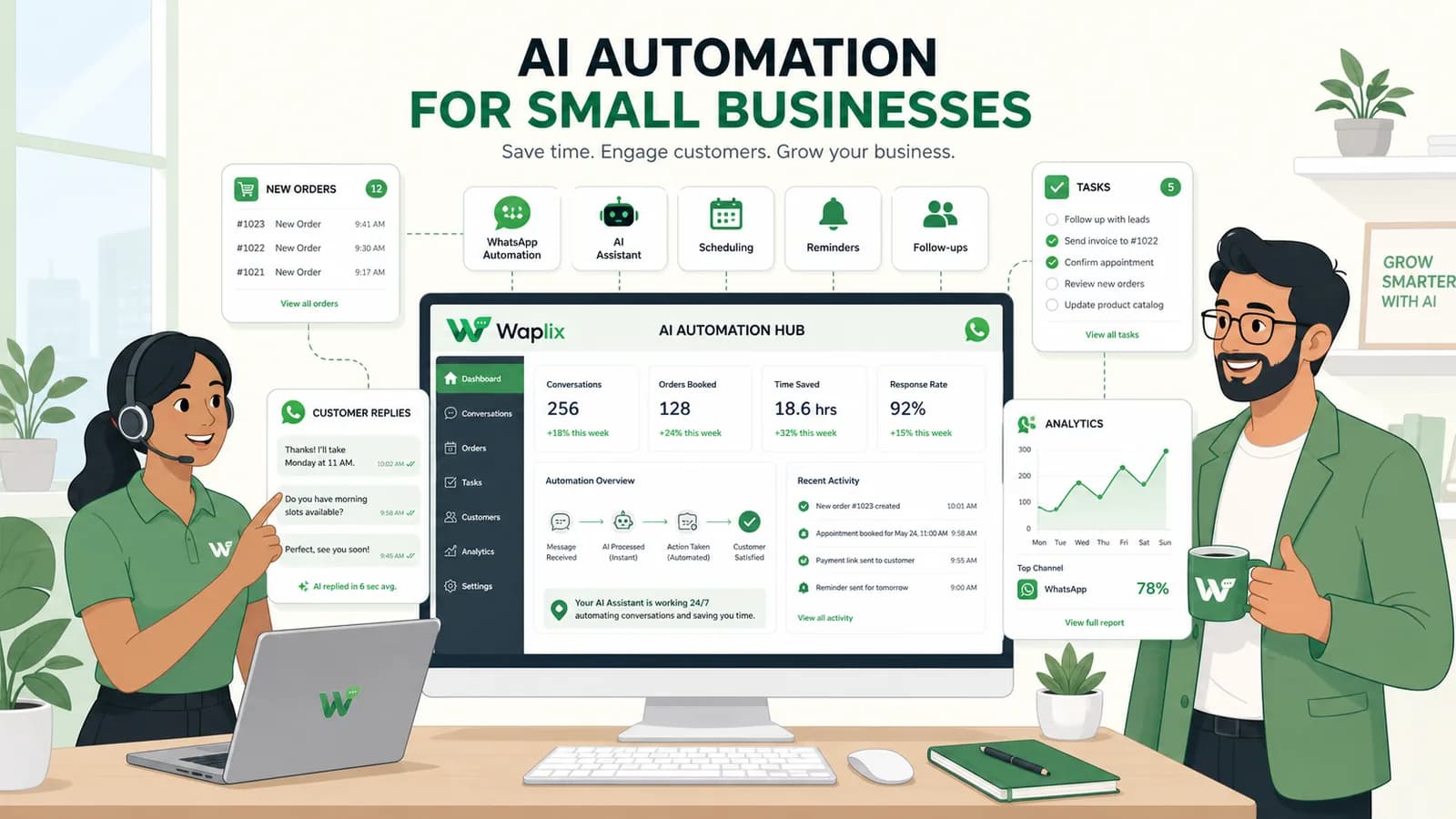
AI Automation for Small Businesses
AI Agents

AI Automation for Small Businesses

Discover practical ways small businesses can leverage no-code AI automation on WhatsApp to manage customer conversations, qualify prospects, and coordinate bookings 24/7.

Read Article
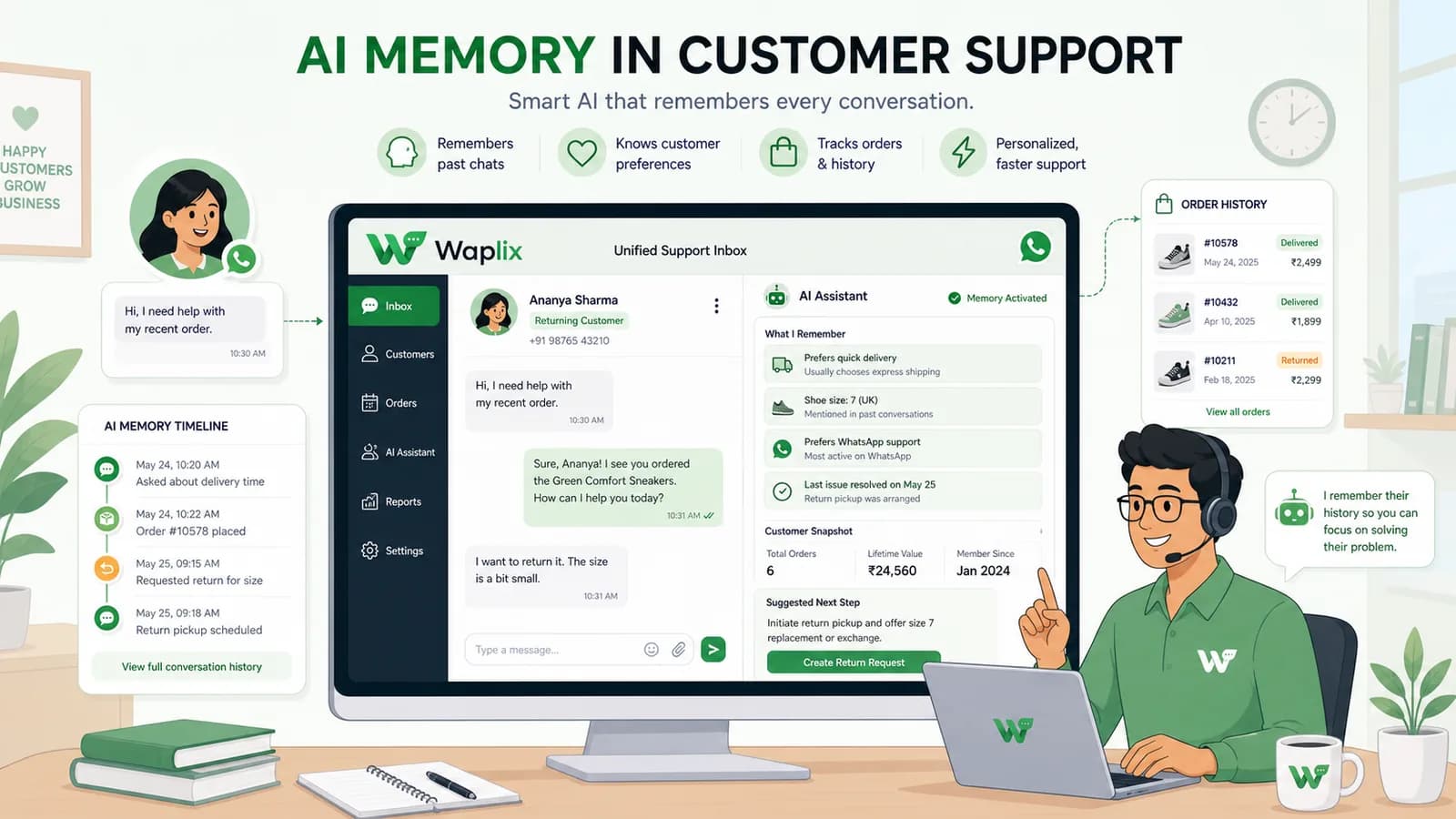
AI Memory in Customer Support
AI Agents

AI Memory in Customer Support

Explore the technology behind AI memory and context retention, learning how session databases personalization results in better, trust-filled client interactions.

Read Article